
Introduction
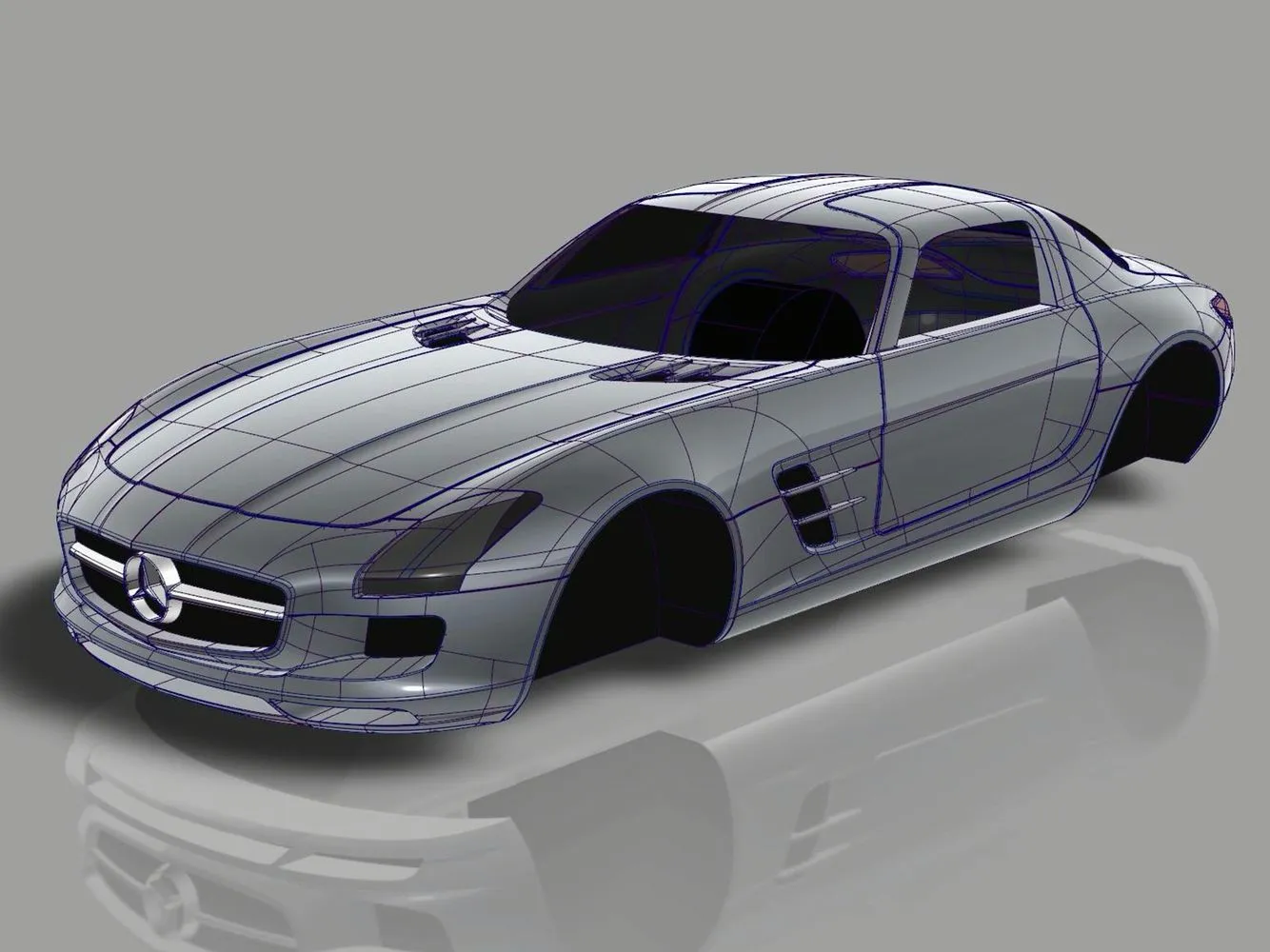
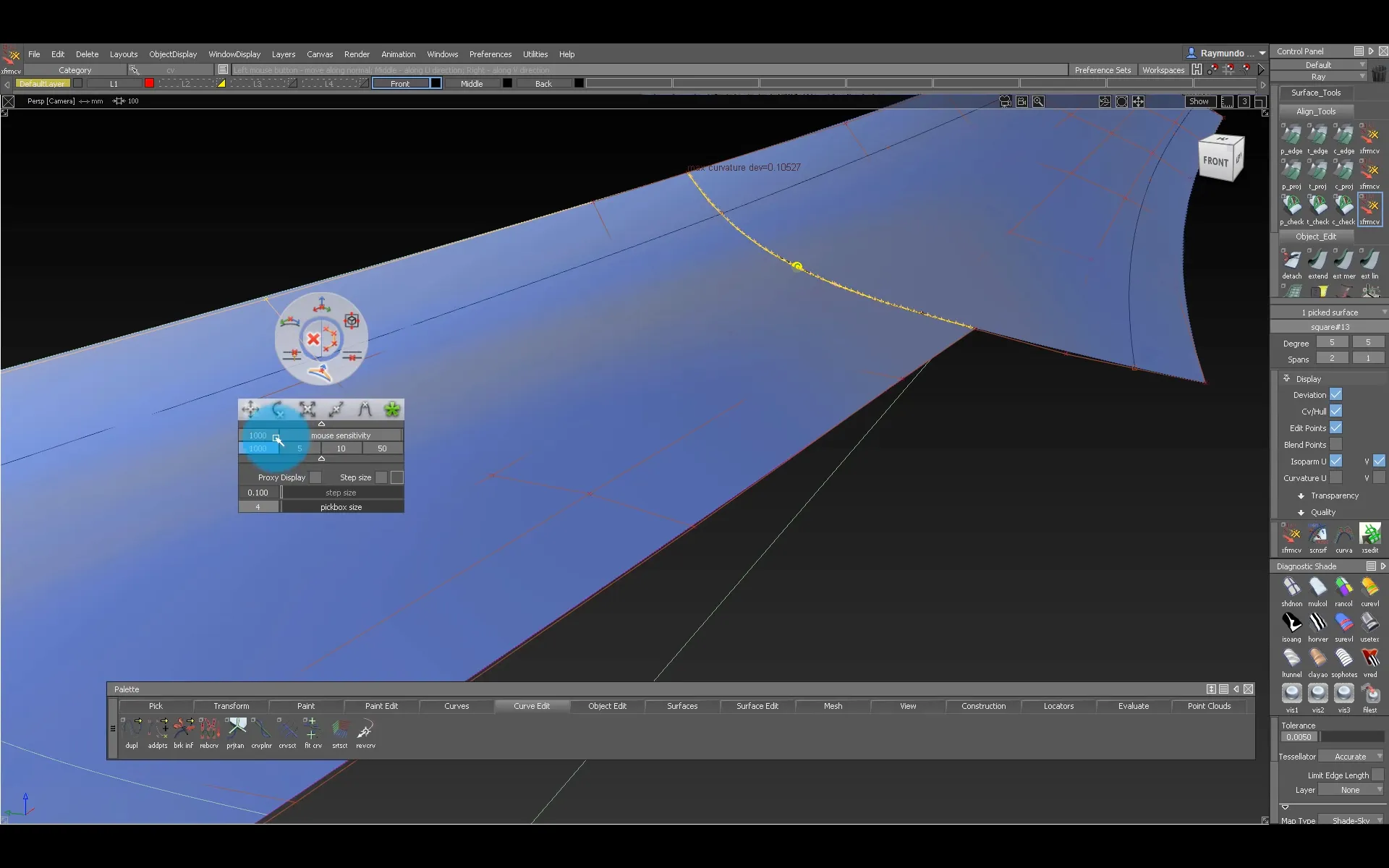
Alias is industrial design software used from concept to technical surfacing. The SubD integration made it a hybrid tool, combining subdivision surfaces with NURBS.
What is Alias?
A dated interface and complex surface modelling make Alias hard to learn.
The technology
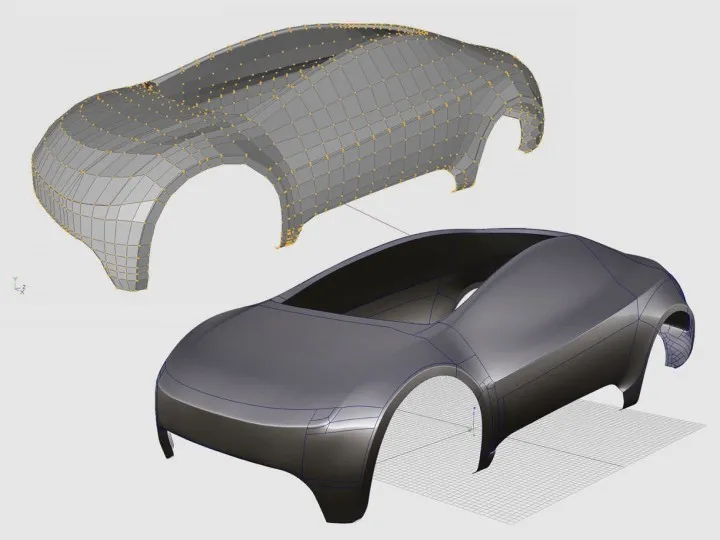
Most software only subdivides a mesh until it looks smooth.
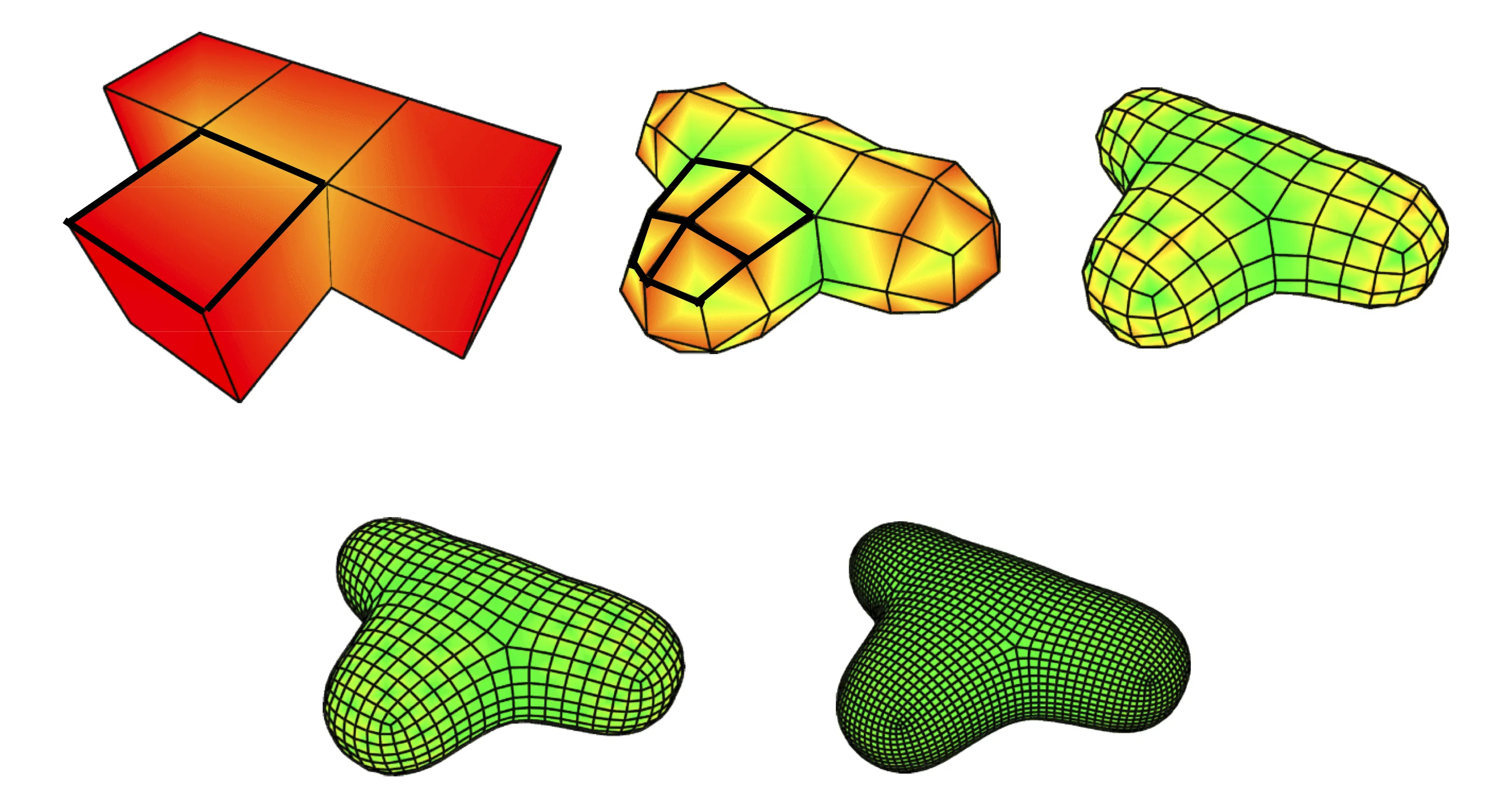
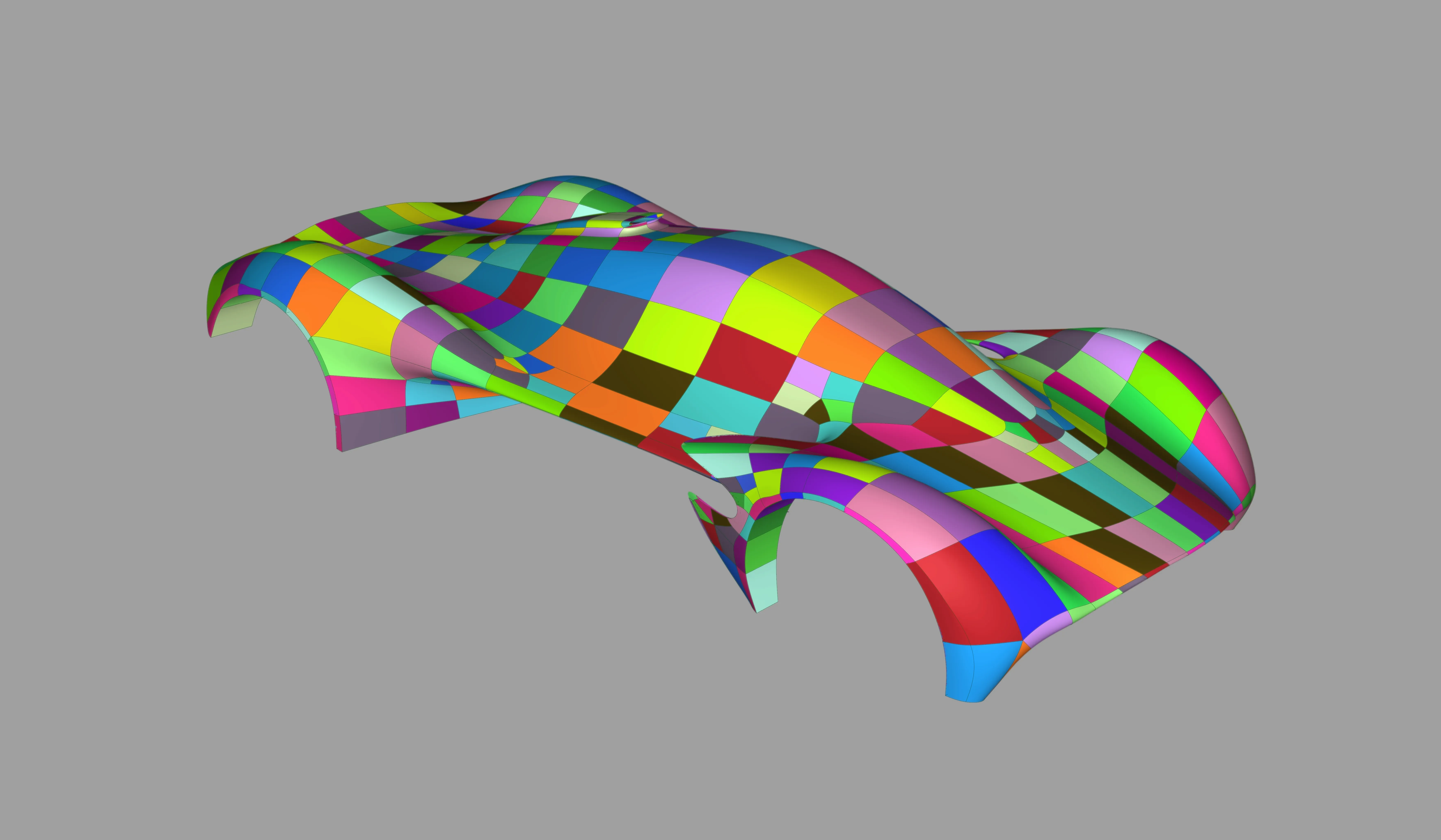
In Alias, each control face becomes real NURBS surfaces underneath, so the NURBS tools studios already knew worked on SubDs out of the box.
The objective
Autodesk wanted automotive studios to get ideas into 3D sooner and reuse that data later. The target users were concept designers and modellers, who used polygon modellers or no 3D at all.
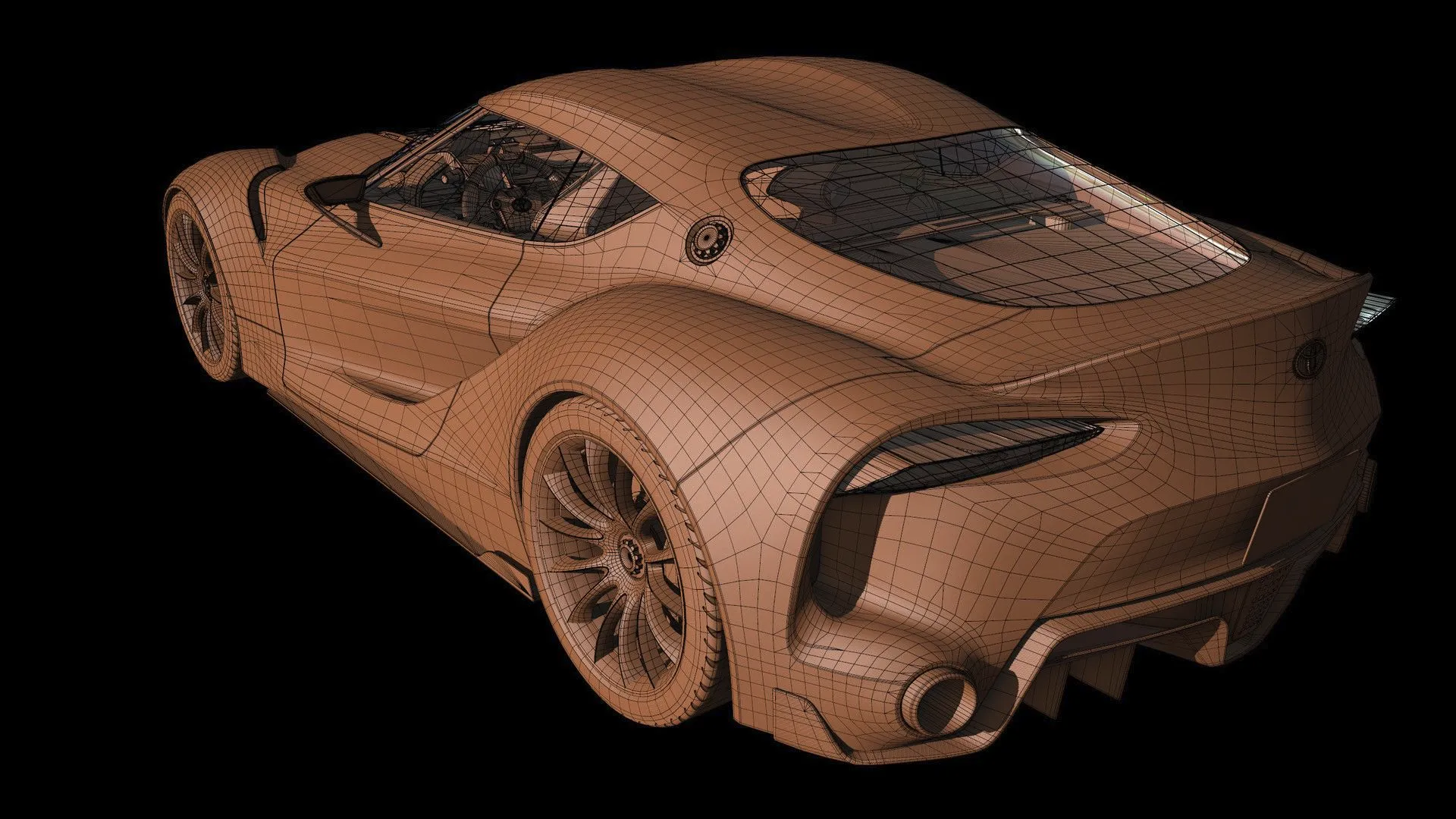
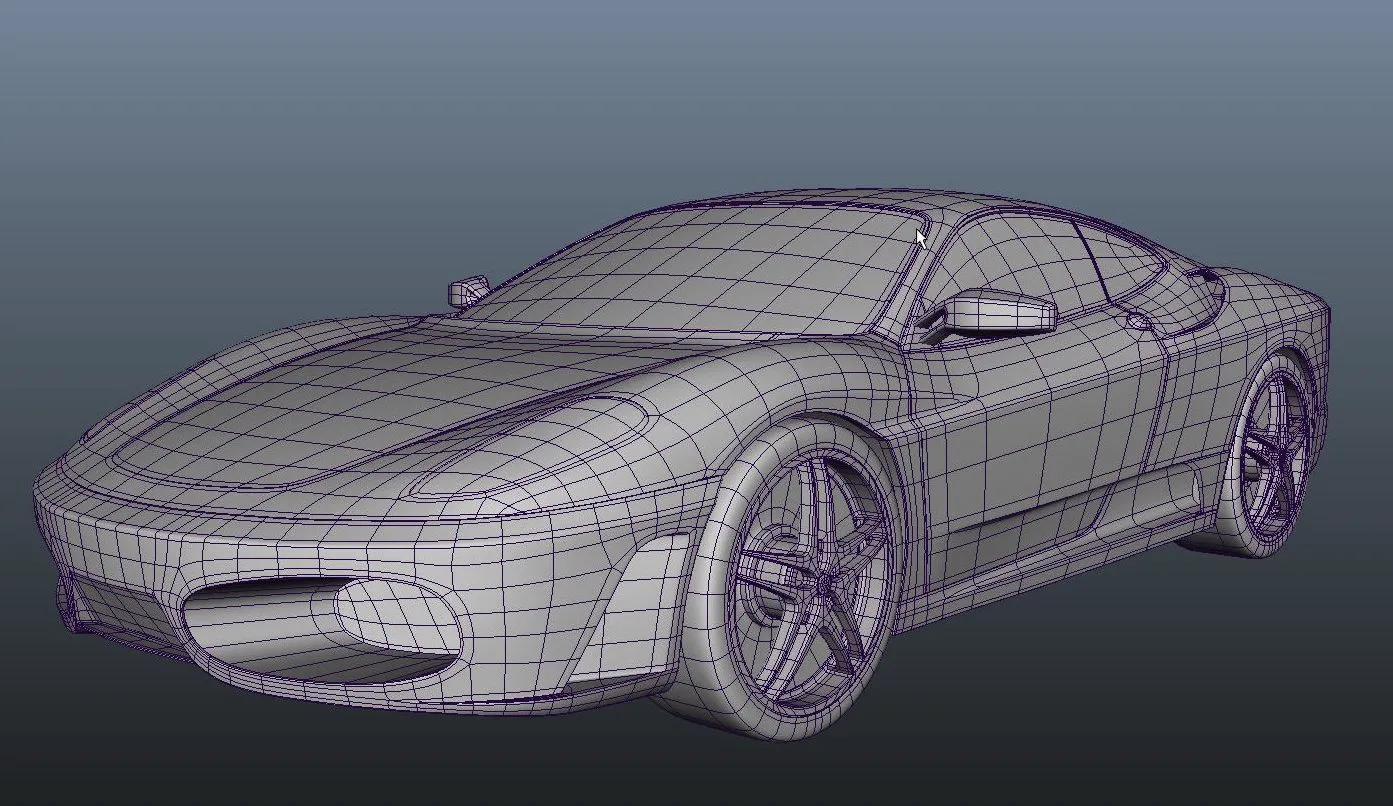
Polygon models came into Alias as uneditable meshes, and the car had to be remodelled in NURBS.
Scope and constraints
- Make Alias more accessible without alienating experienced users
- Ship reliable, predictable tools rather than half-finished ambitious ones
- Do it in 12 months
I was the sole designer, in a squad of 4 with a technical project manager and 2 developers.
The process
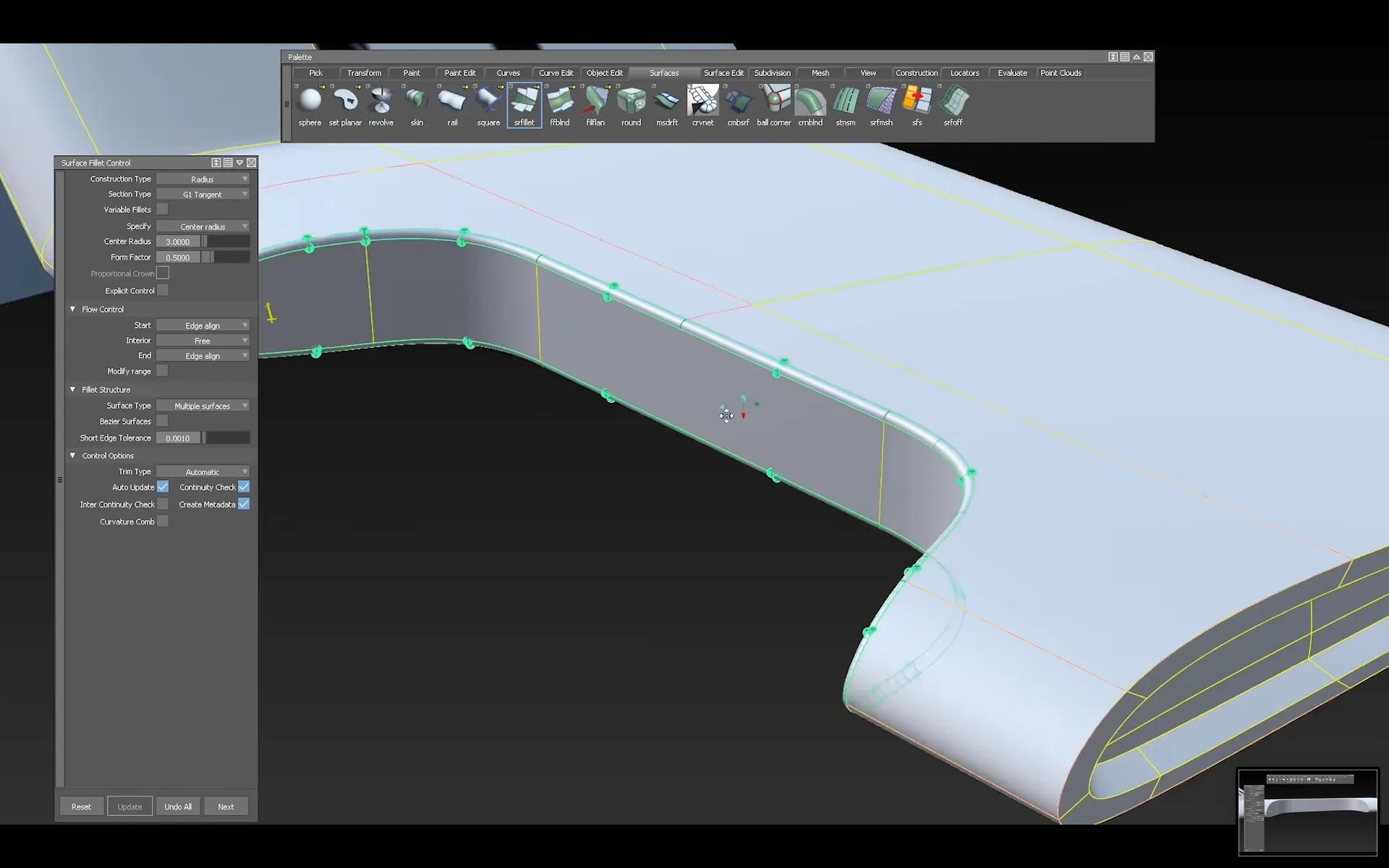
The basic tool palette
Volvo was involved from the start. A surface designer at Volvo Cars recorded himself modelling a gear shifter.
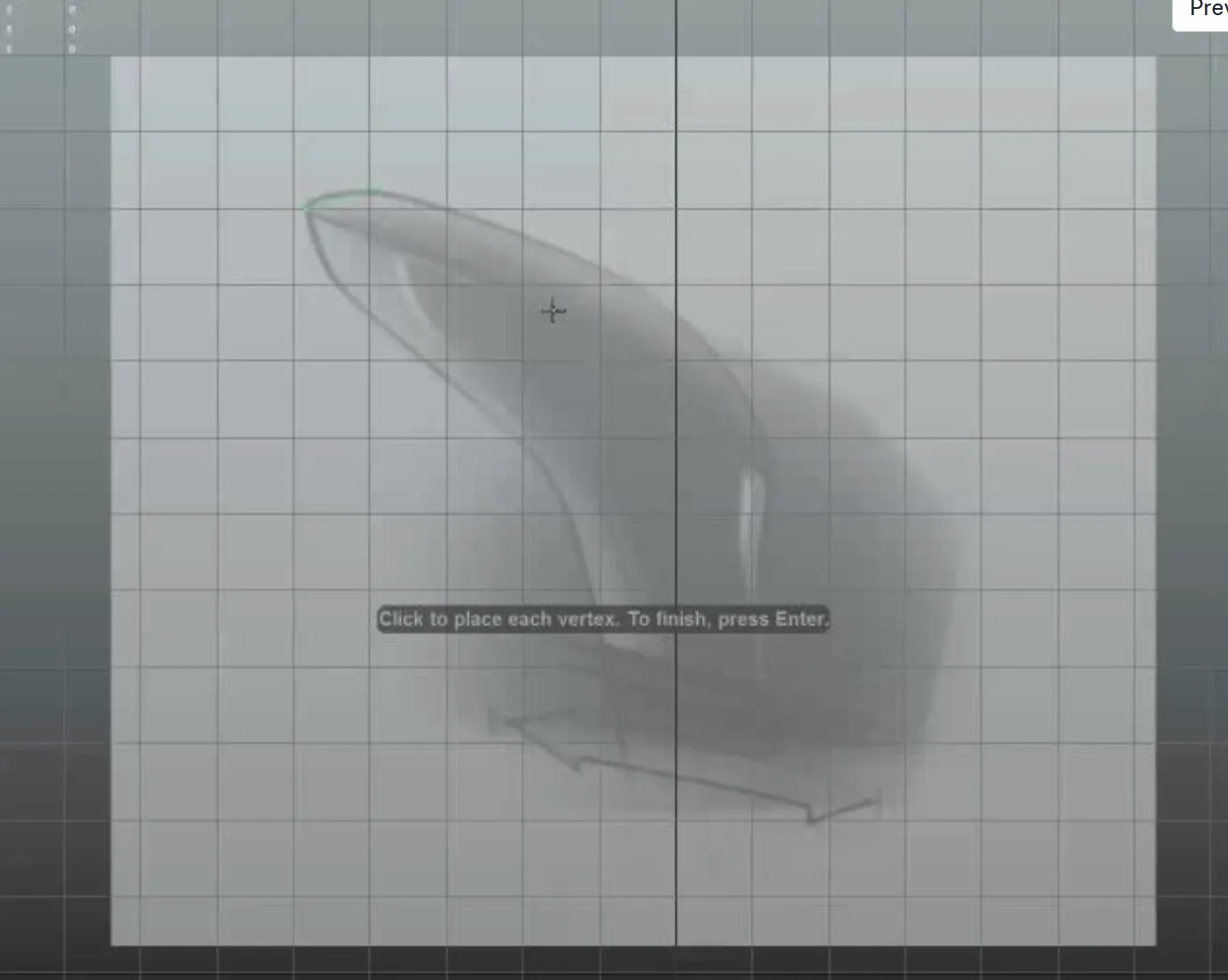
I studied other polygon modellers.
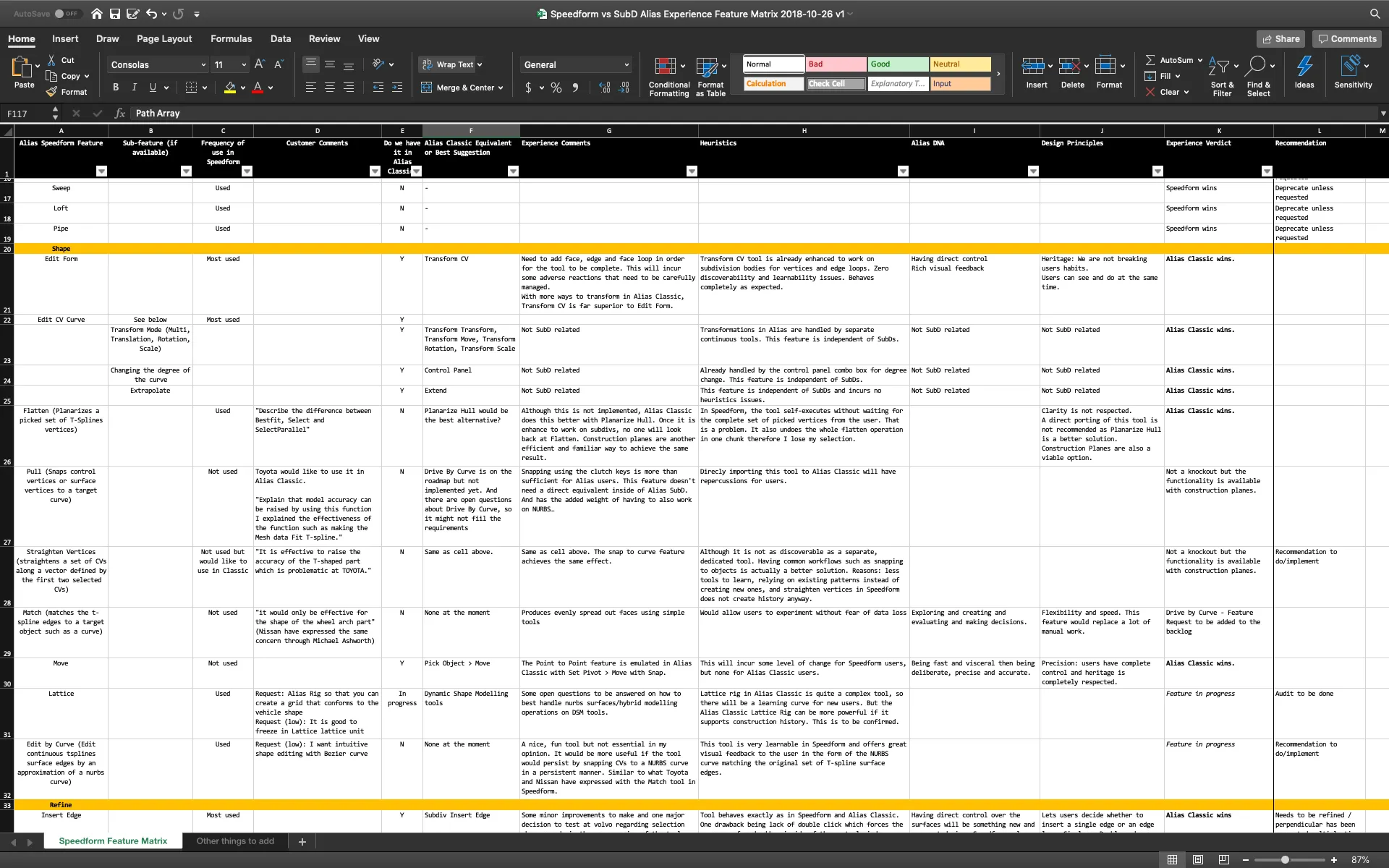
Alias lacks a proper undo engine, so each tool was slow to build and late additions would hurt quality. I also broke down every tool in Speedform, Autodesk’s earlier form-finding product.
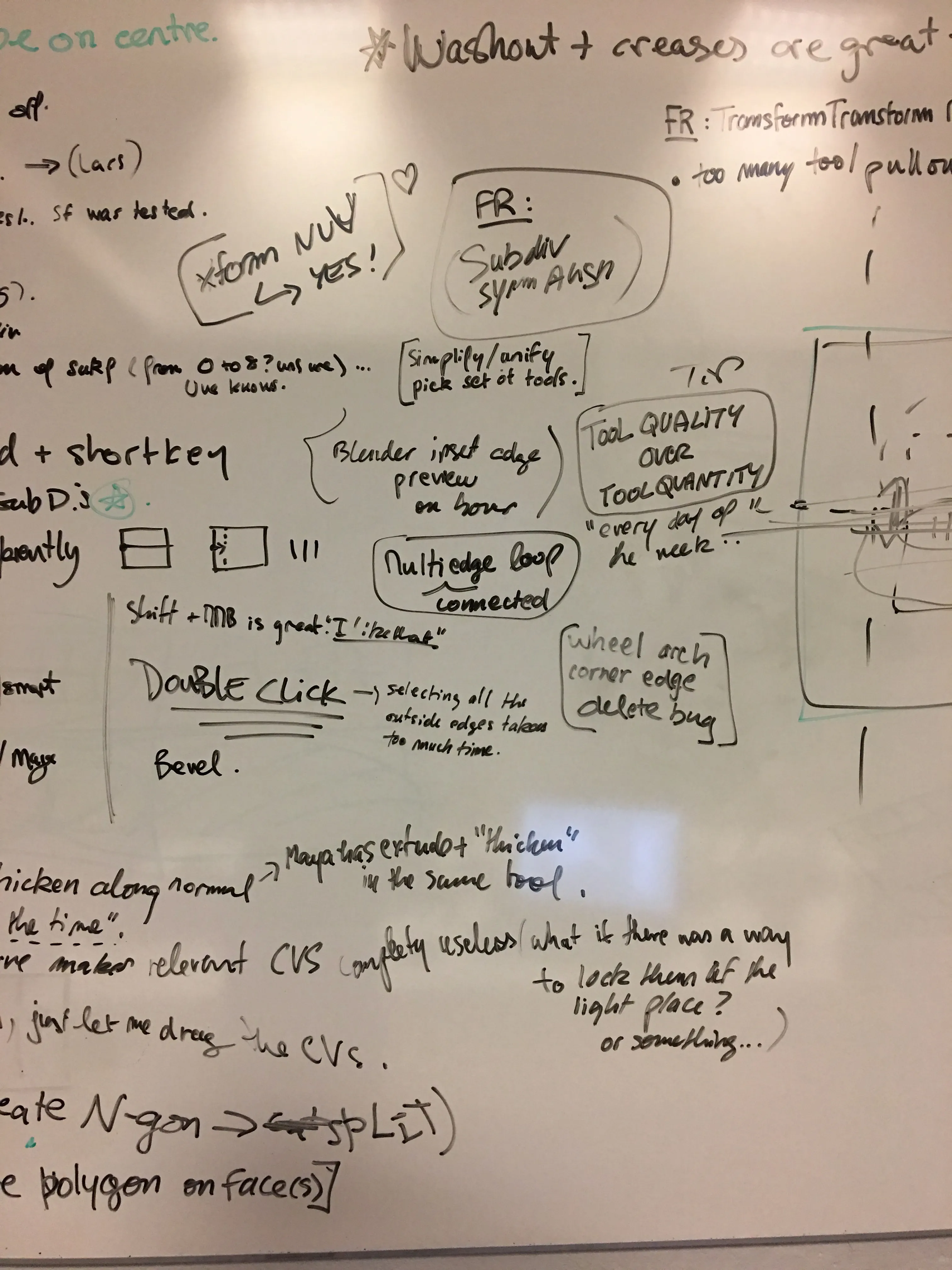
“Tools are no good to us when they crash”
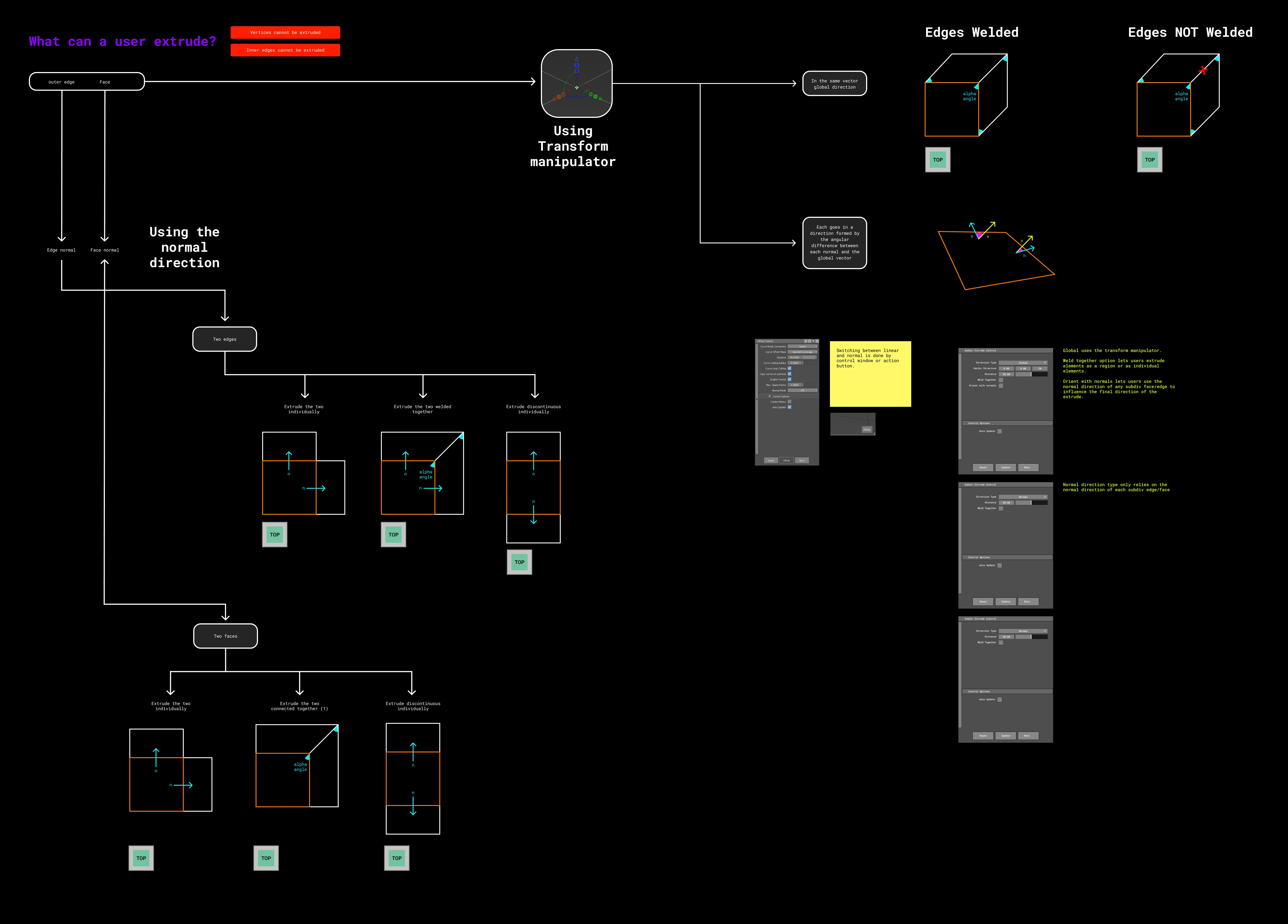
The Volvo workshop confirmed that users wanted quality over quantity, so we settled on a reduced but capable toolset, with a workflow mapped for each tool.
Final tool palette

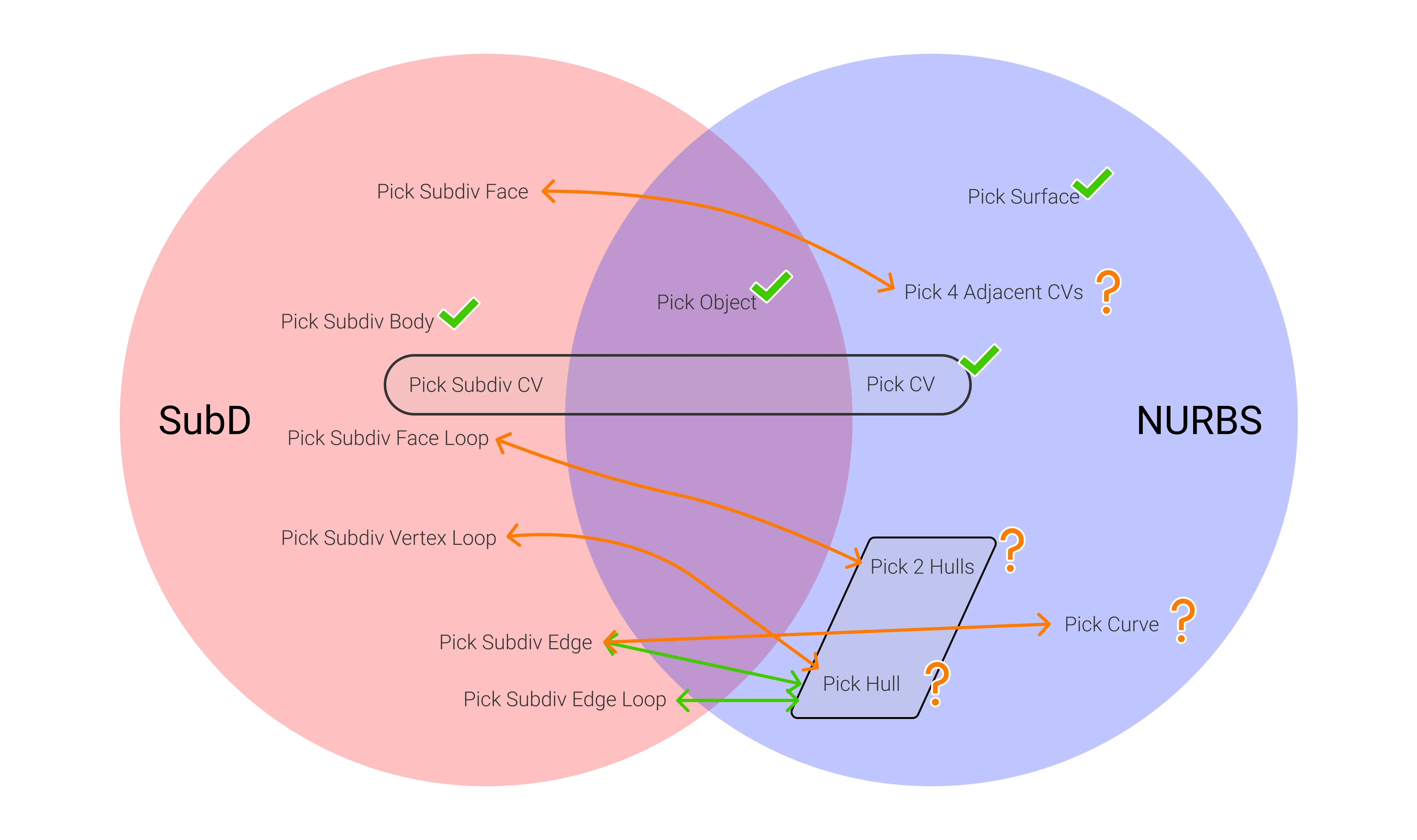
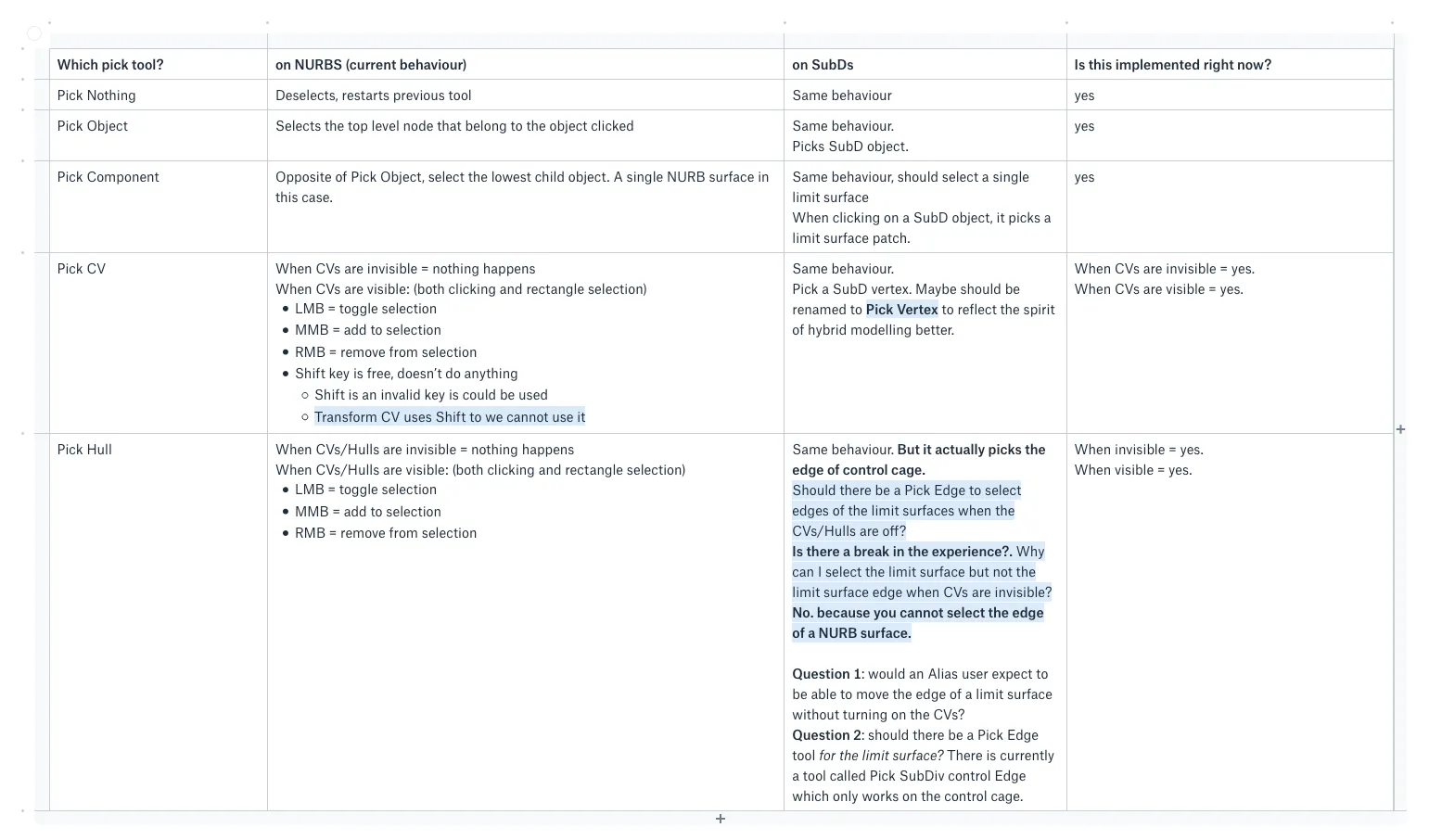
- Selection: SubD objects and their vertices, edges, faces and loops
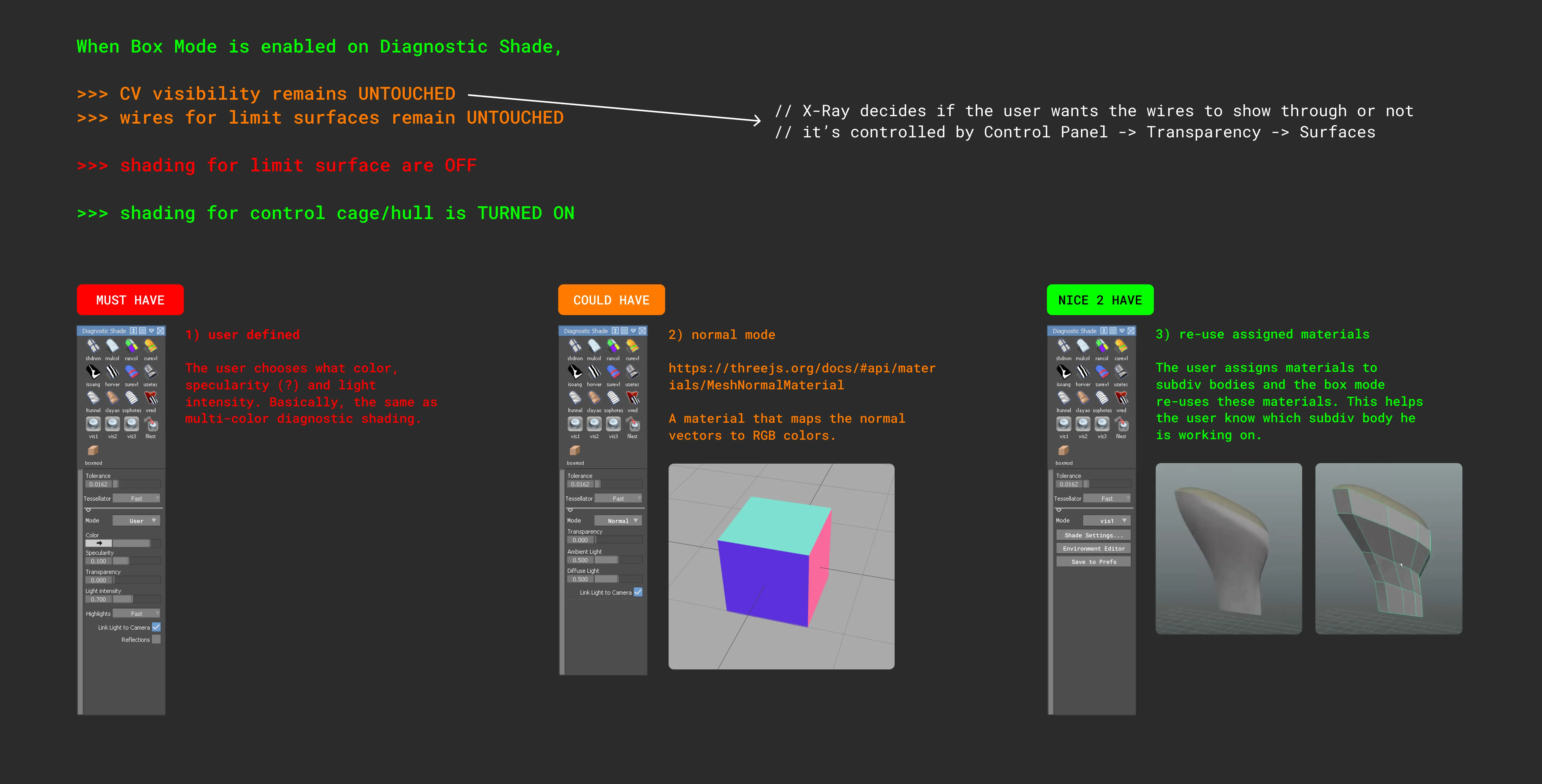
- Display: box mode for SubD bodies
- Primitives: tube, box, plane
- Utilities: Subdiv to Mesh, Subdiv to NURBS, Import Subdiv, Export Subdiv
Fitting into Alias
The tools had to feel native, and SubD surfaces had to be reusable downstream.
Testing at Toyota
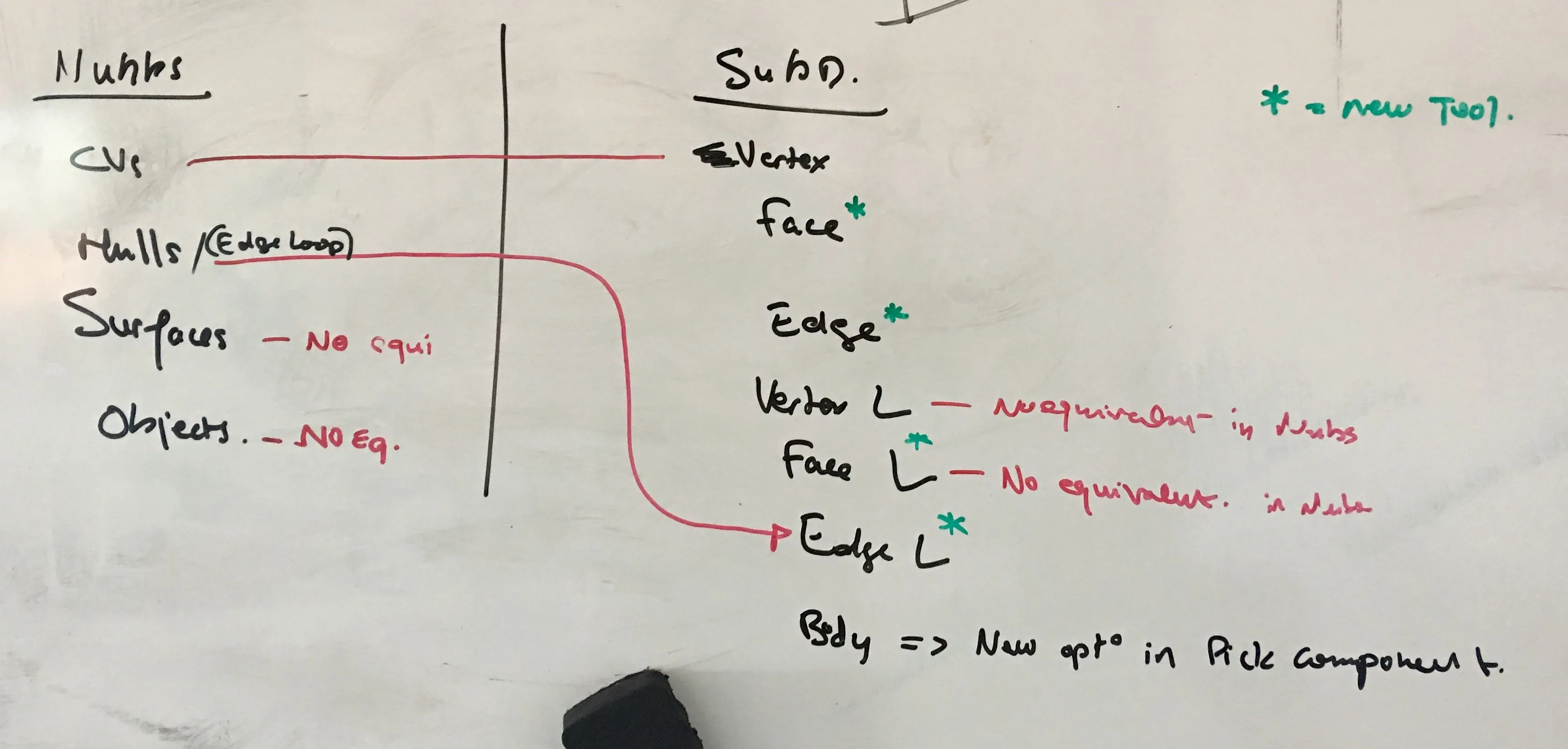
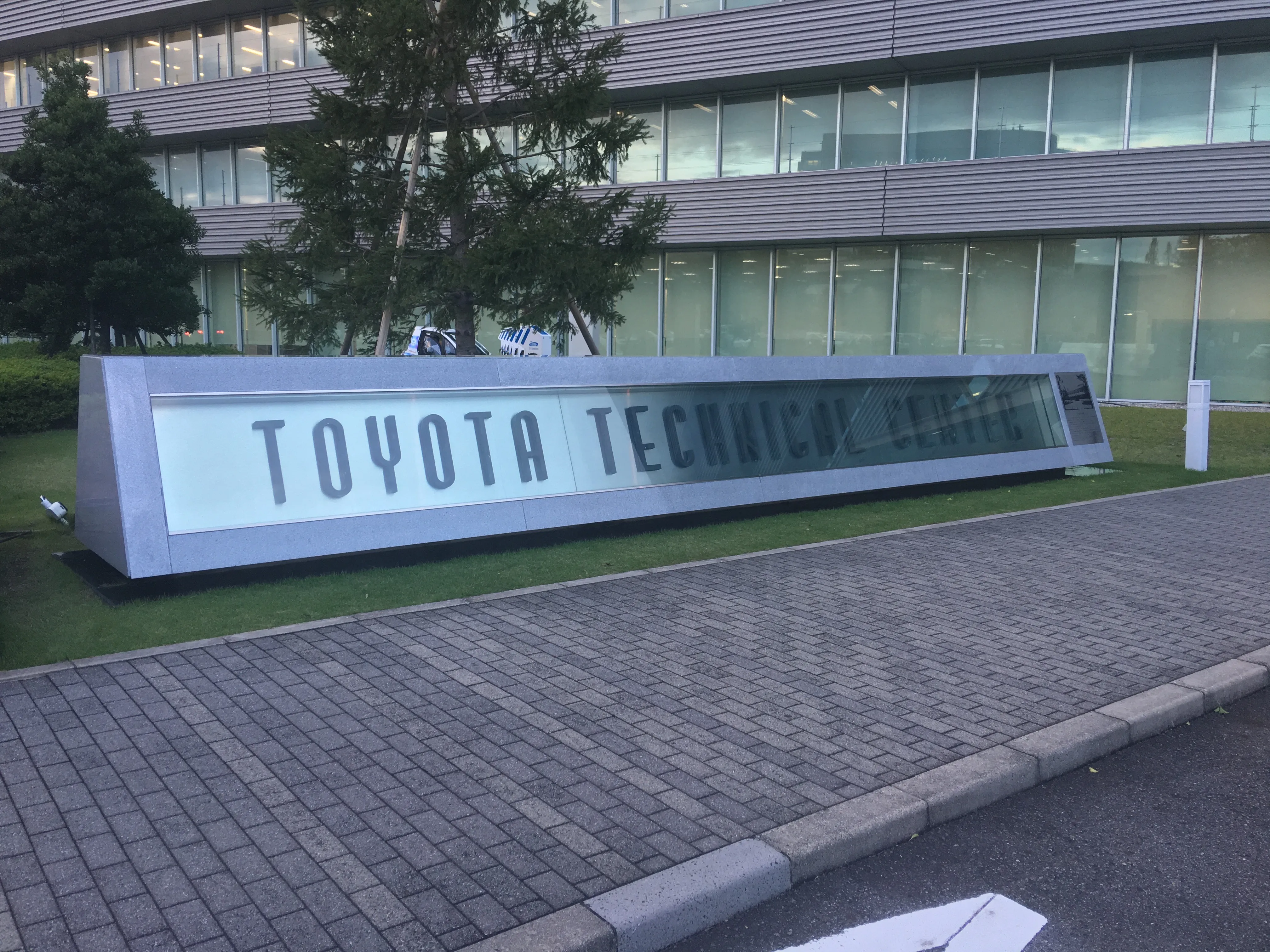
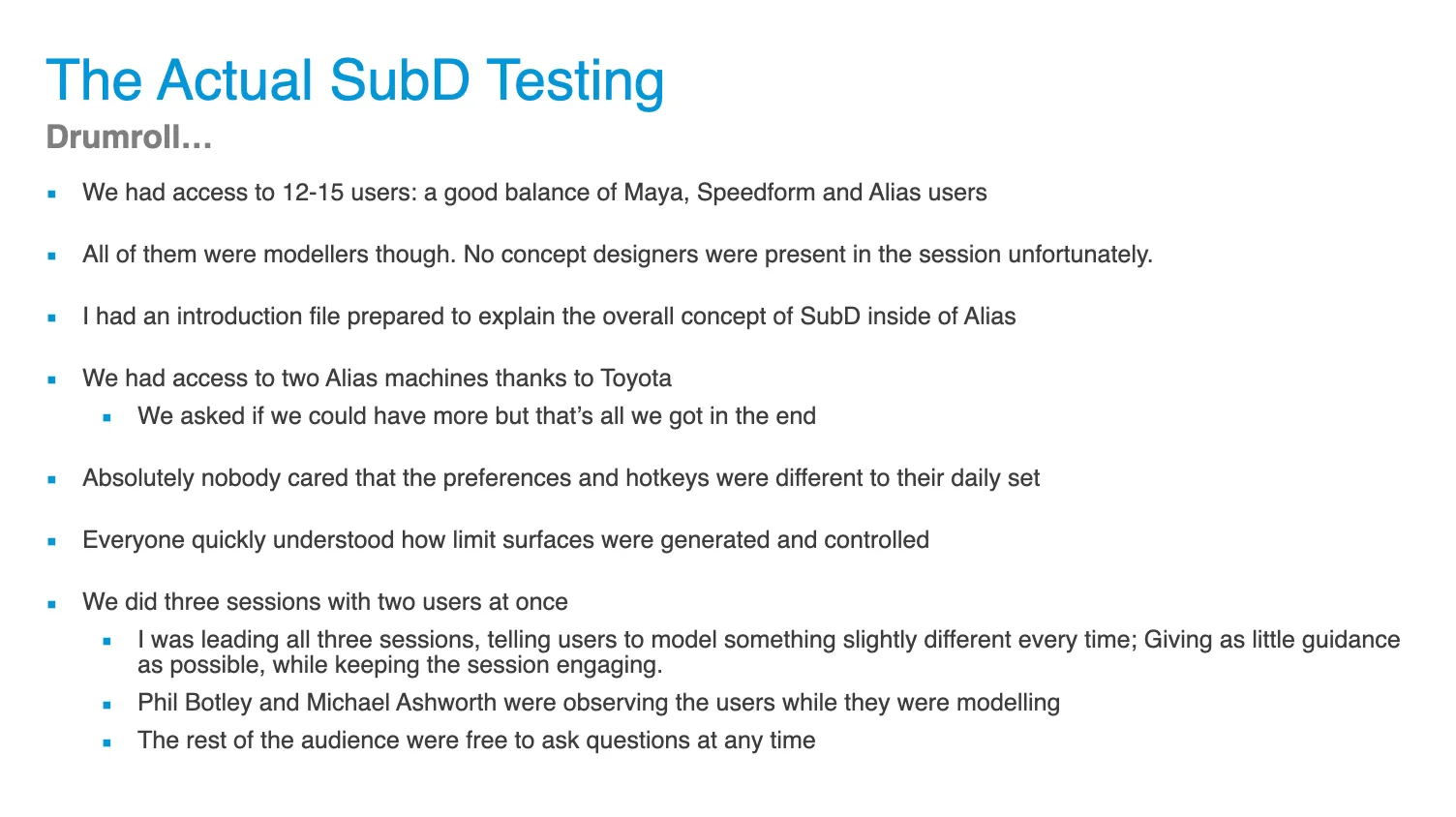
Nobody agreed internally on selection: NURBS have no faces or edges, and every option had a downside. I led a workshop at Toyota’s Technical Centre in Japan to find out.
Download the testing plan (PDF)
Users wanted their existing selection tools on SubDs without losing speed, and tools like Insert Edge needed options for users from other software.
They were most excited to use NURBS tools on SubDs while keeping the model editable.
Toyota feedback
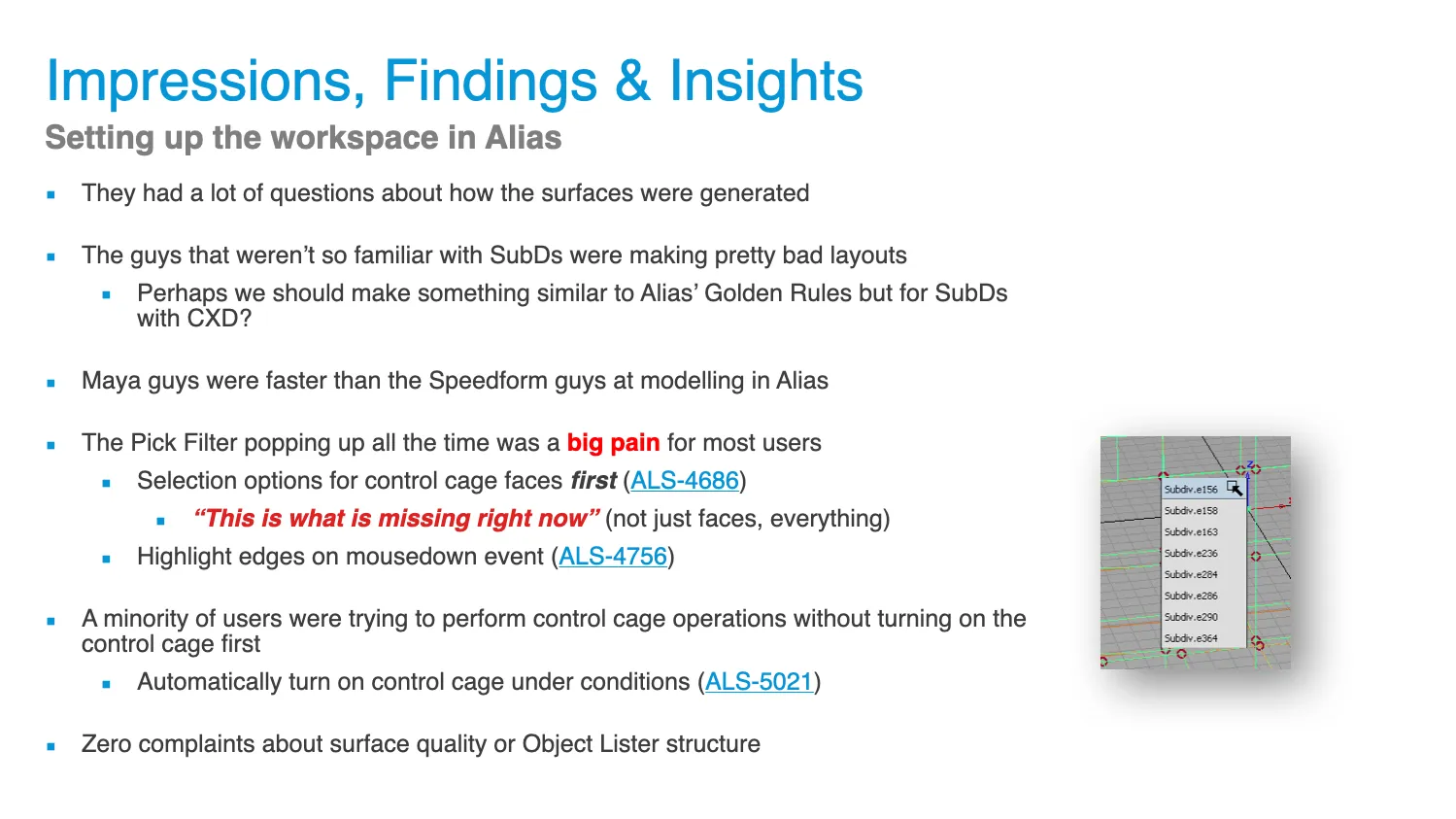
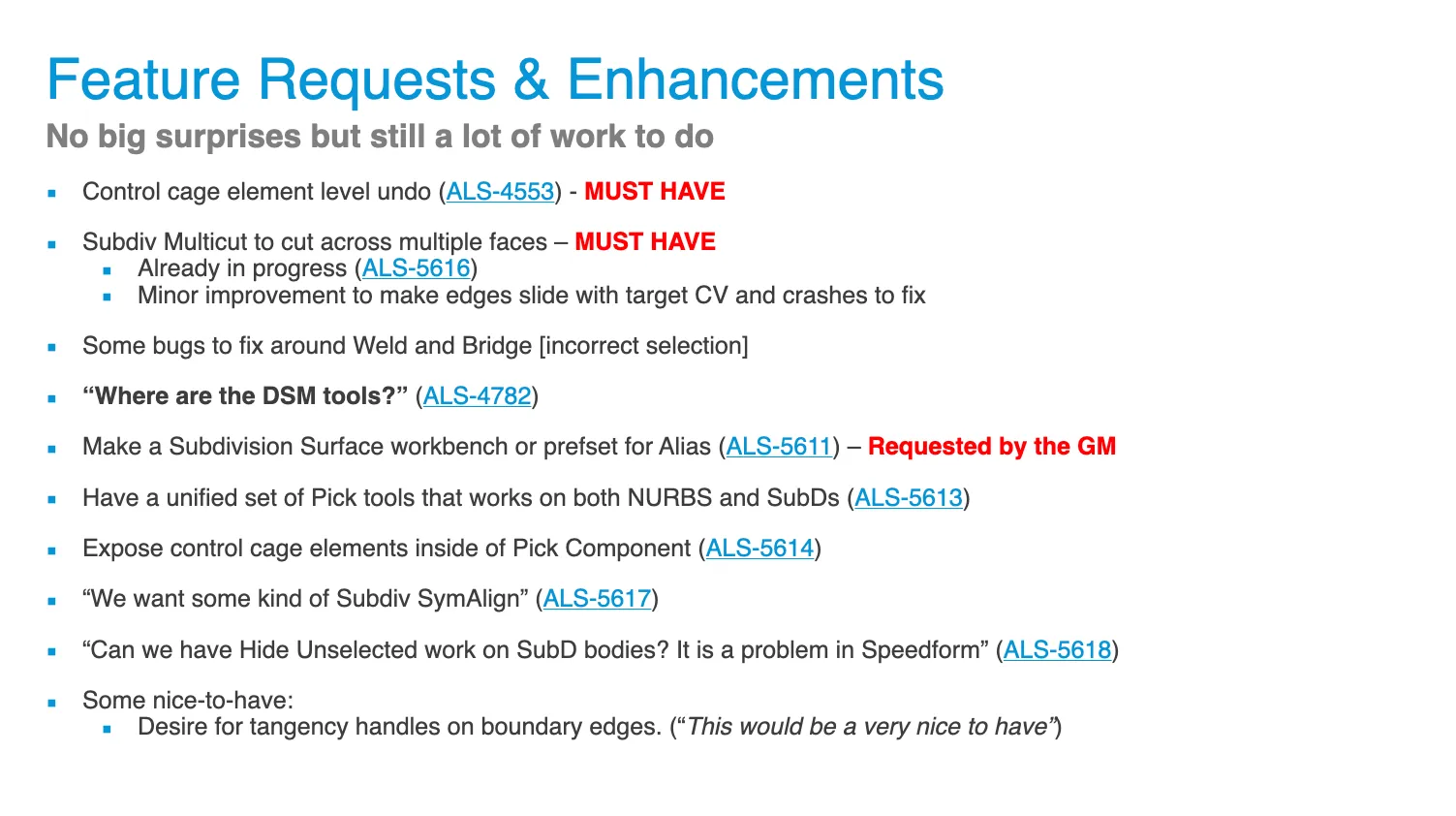
Testing surfaced one unforeseen problem: construction history. I spent the better part of 6 months testing every part of Alias against the new tools before release.
Construction history
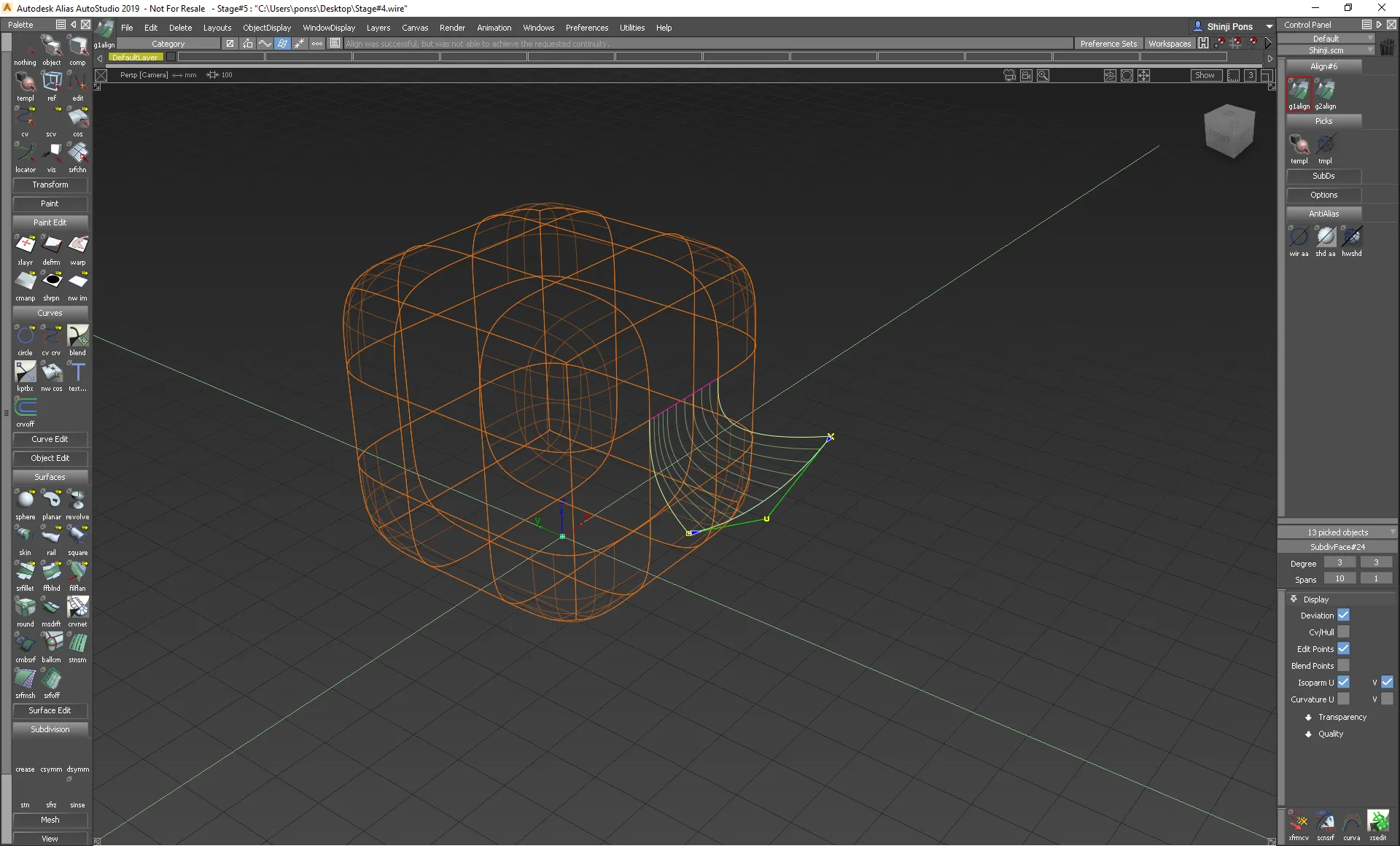
Construction history updates an object when its inputs change. Here a SubD edge is aligned to a curve.
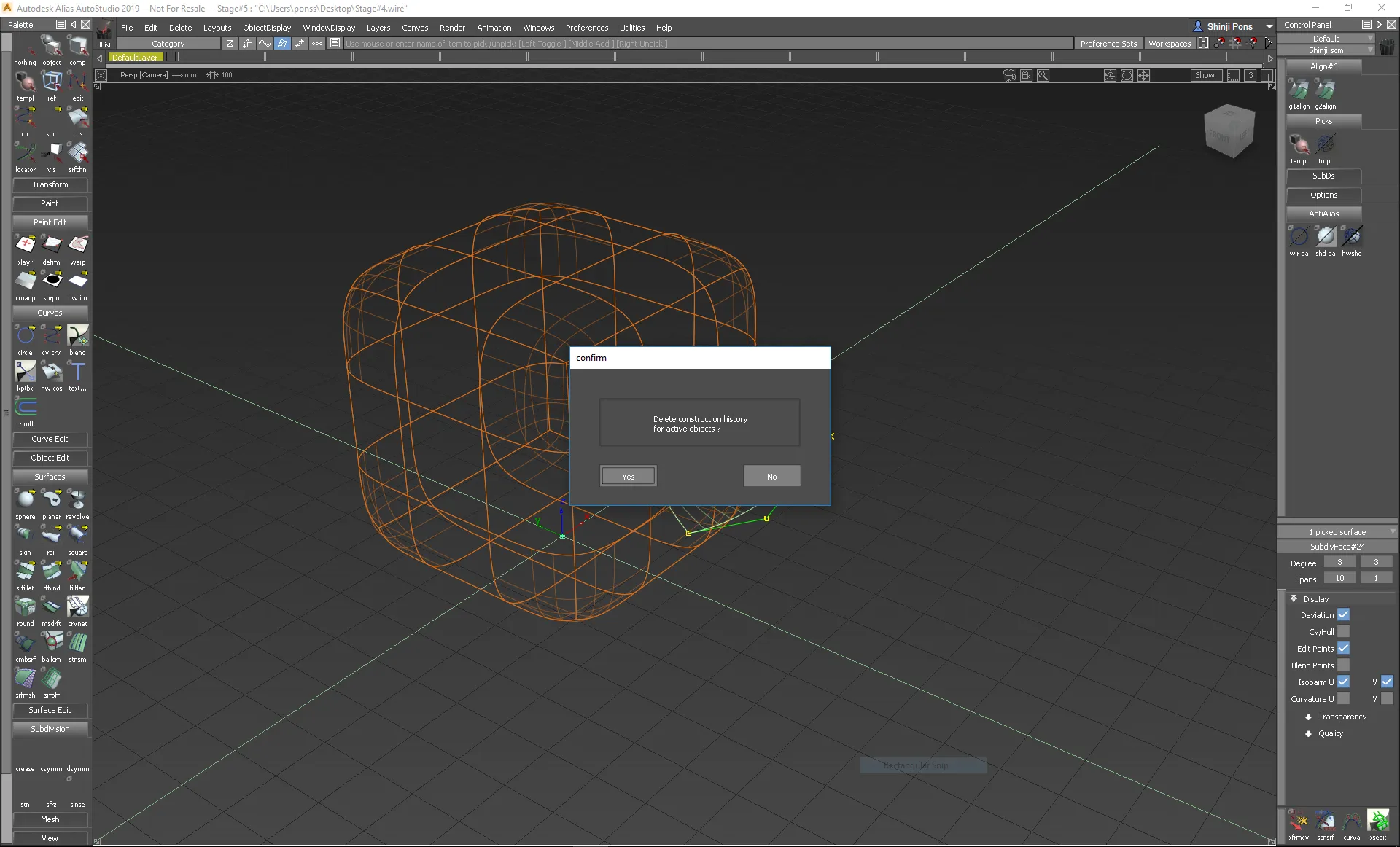
Users delete history once a shape is right, to protect it and keep large models fast.
Modelling continues.
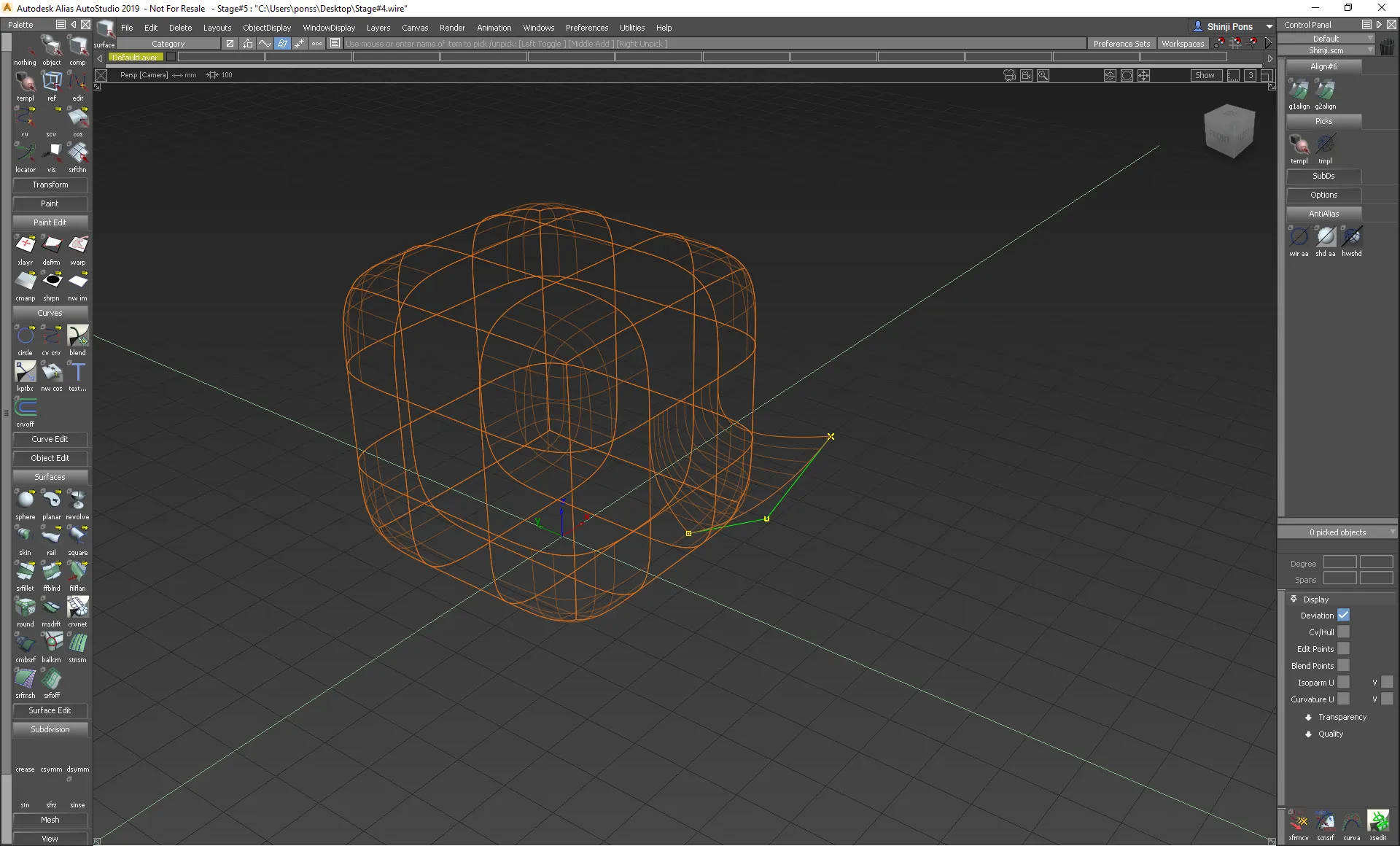
But moving a nearby vertex resets the surface, losing work.
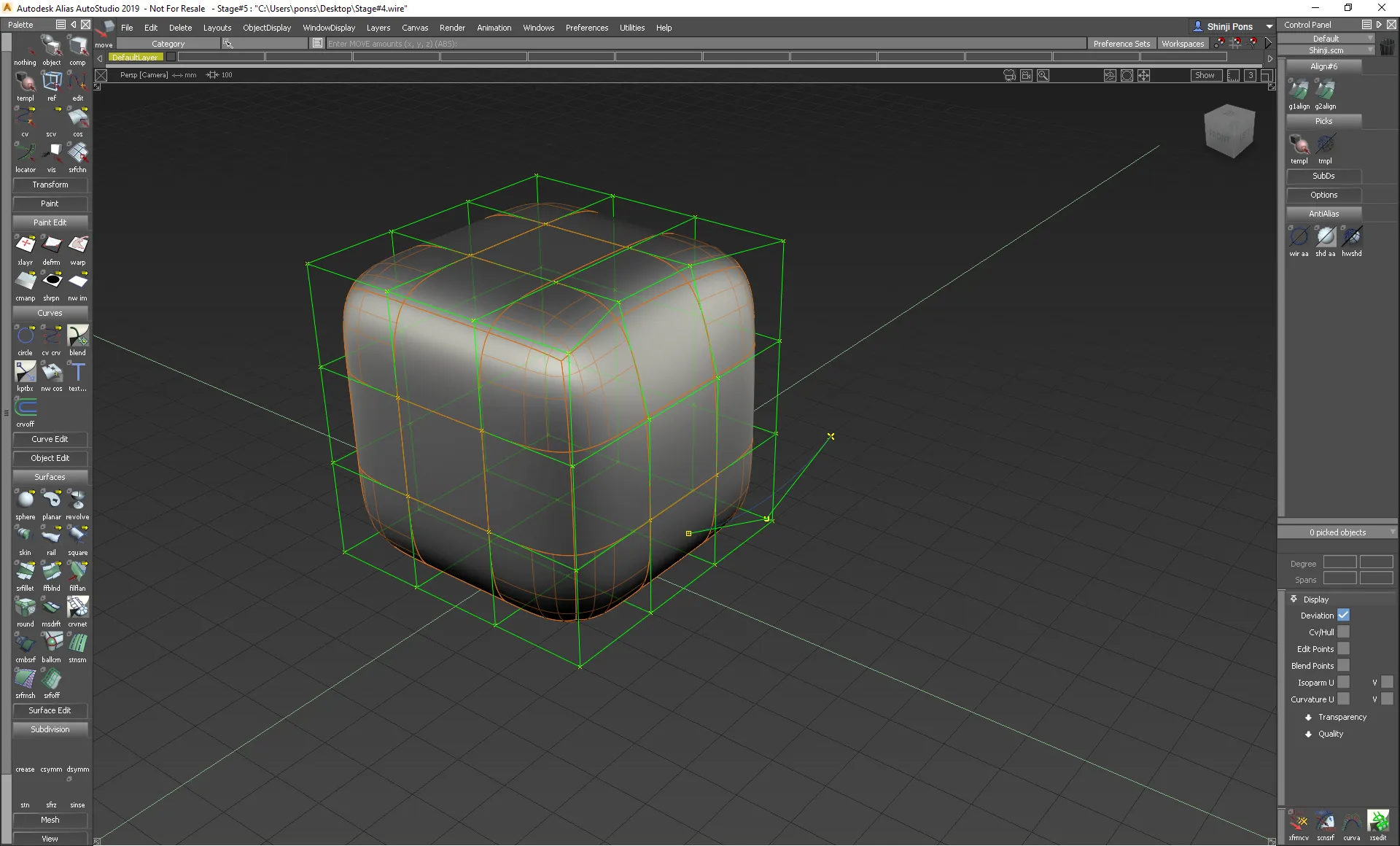
Losing work was unacceptable, and so was slowing modellers down. I proposed two options: freezing vertices, or keeping a templated copy of the modified surface, visible but not editable.
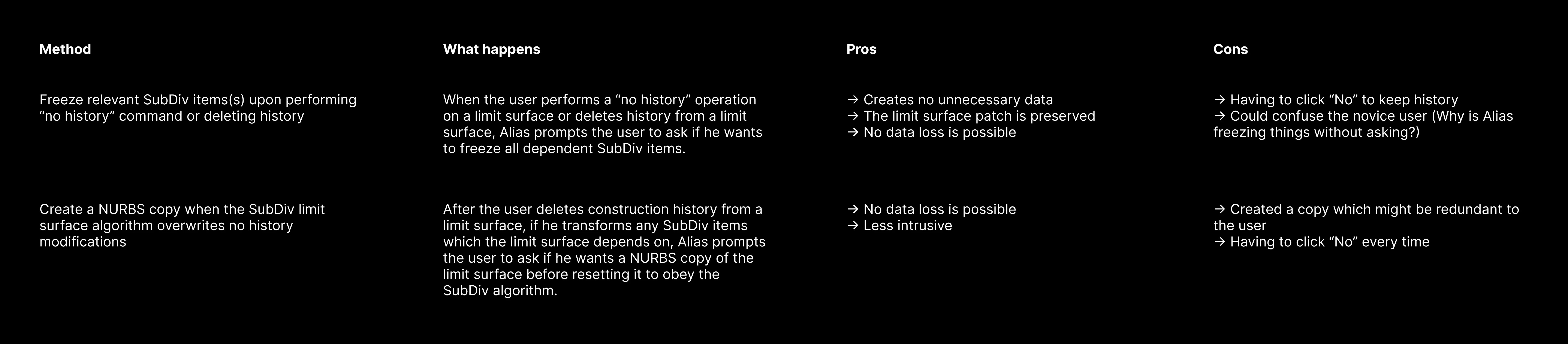
Customers overwhelmingly preferred the templated copy, so freezing was dropped.
Back at Volvo
Some features were missing, but Volvo was happy with the progress.
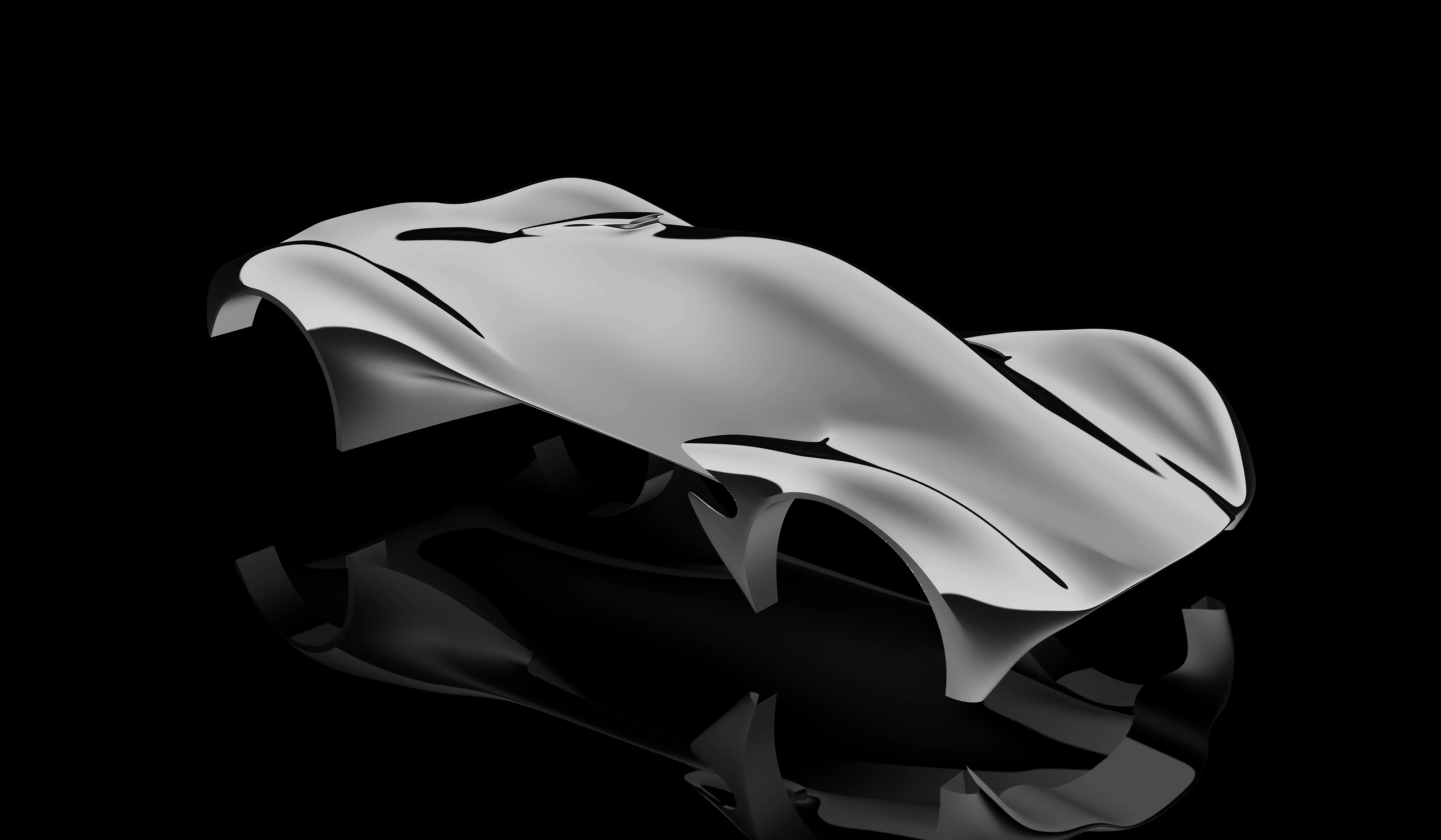
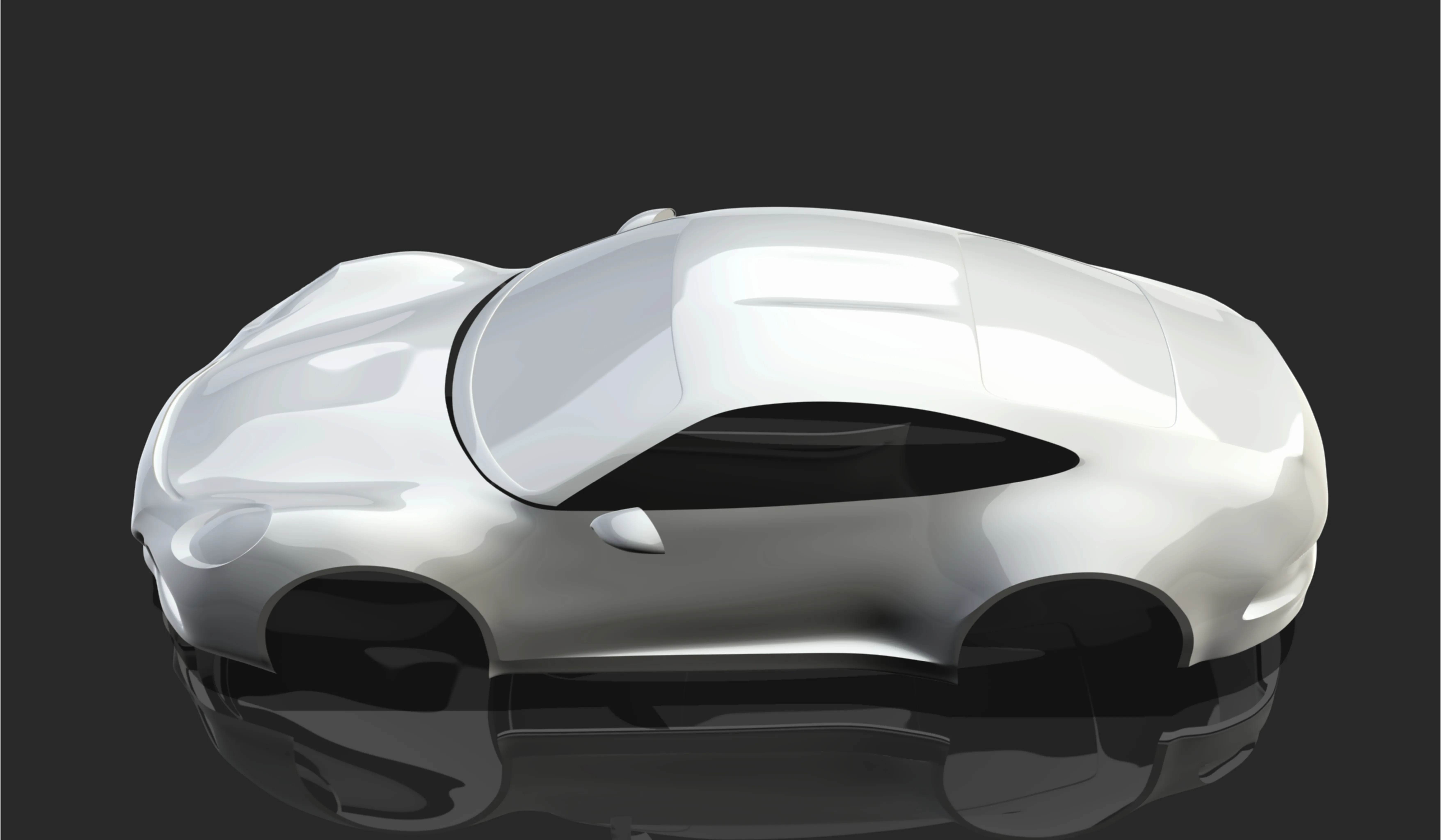
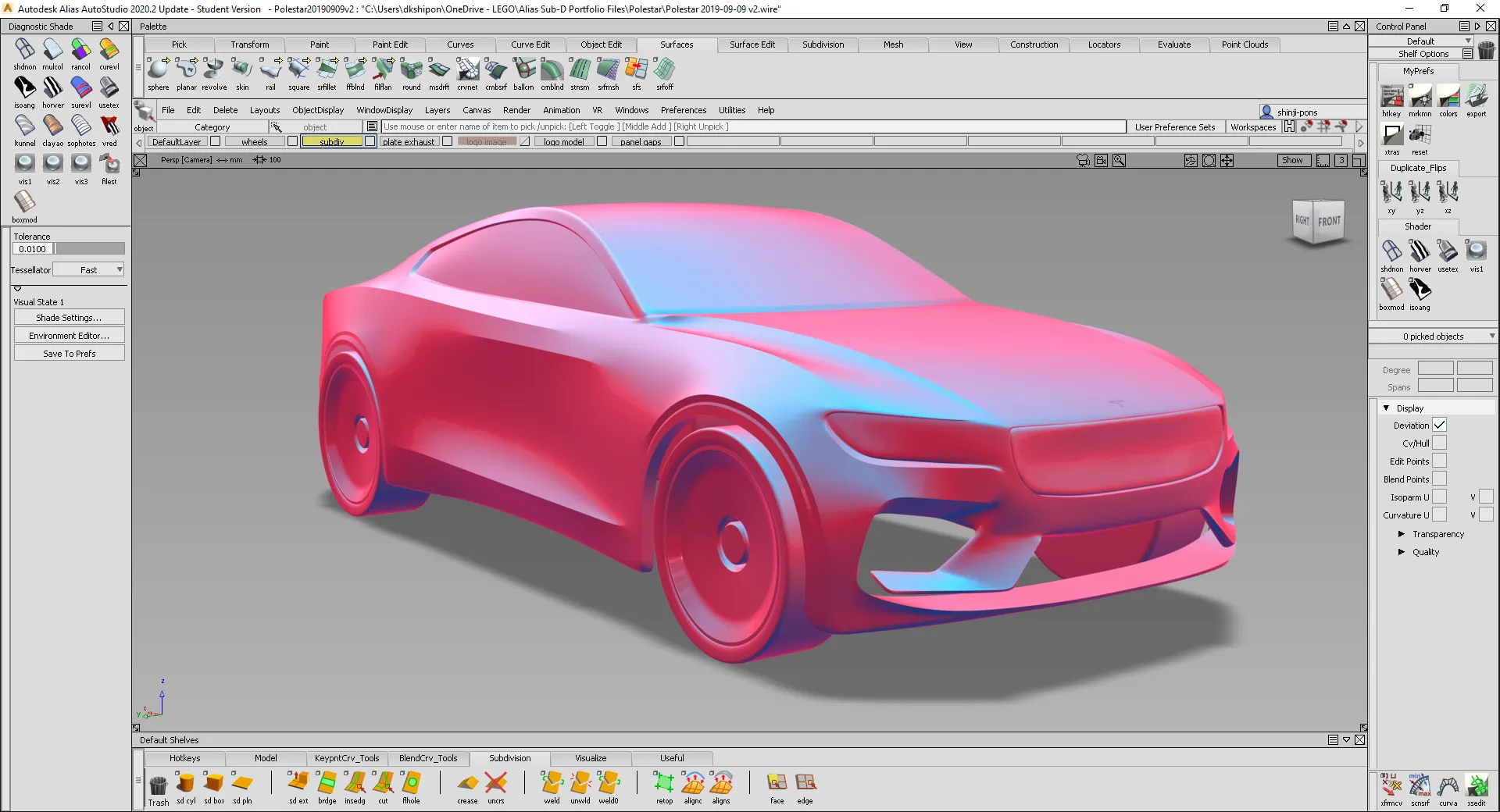
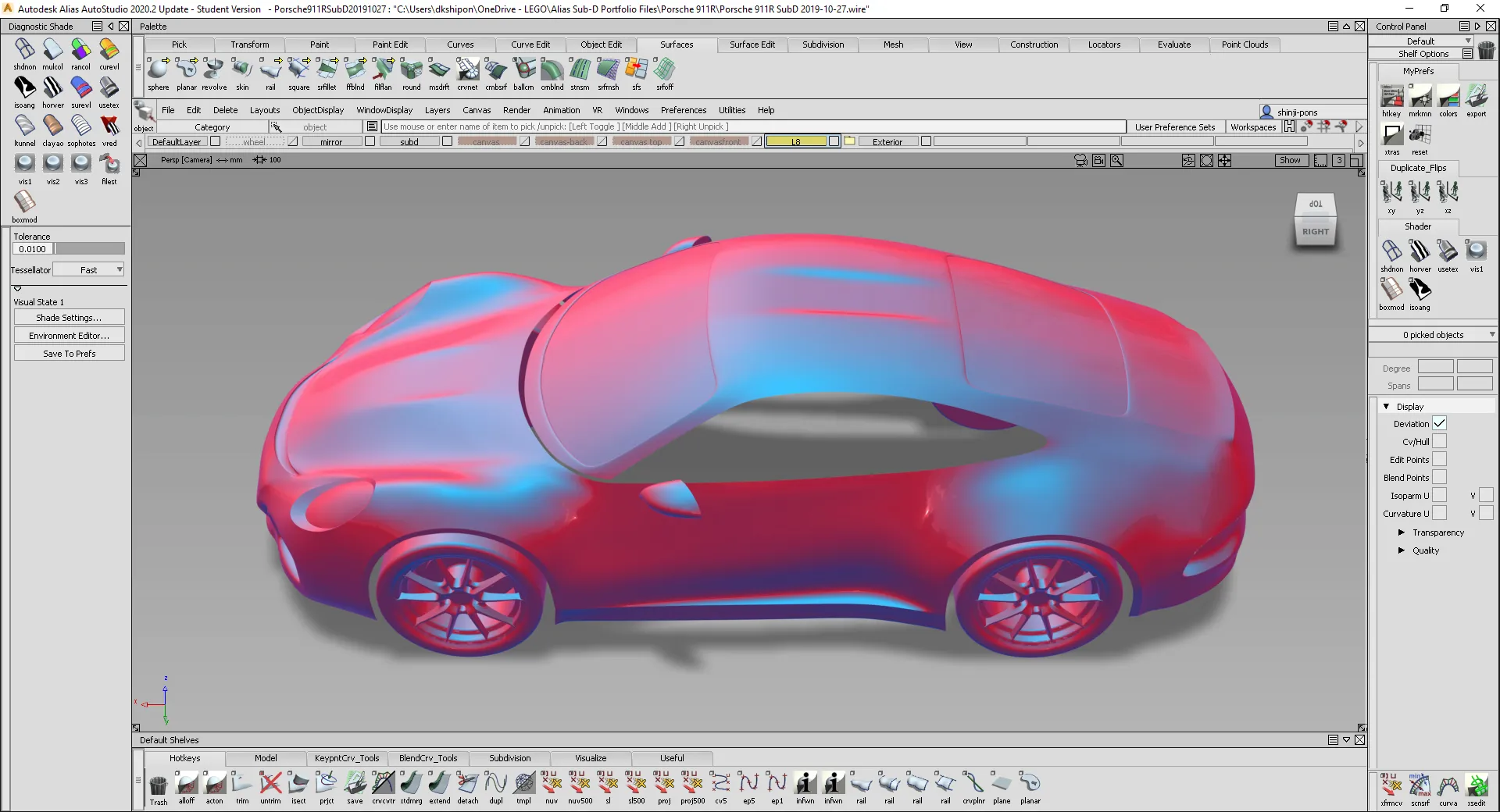
Gallery
Customer quotes
“We can quickly create the volumes of our ideas and share an environment with our engineering colleagues.”
— ItalDesign
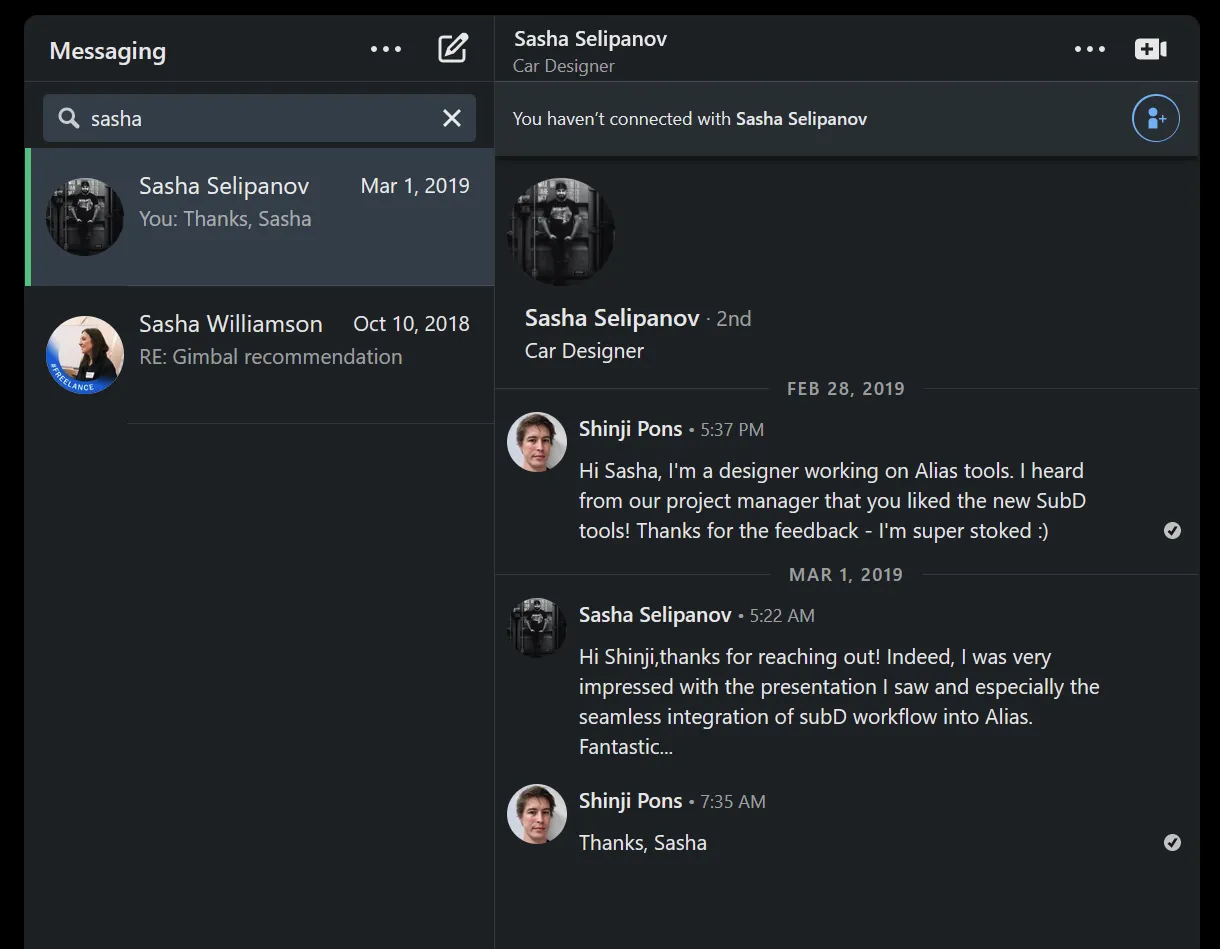
“I am very impressed with the seamless integration of the SubD workflow into Alias. Fantastic.”
— Designer, Koenigsegg
“With Alias Sub-D and hybrid modelling, we are now able to reach presentation stage for concept models in a third of the time.”
— Kia Europe
“We have been waiting years for this and now, it’s finally here.”
— Volvo Cars
“I have been working the last three months with Alias SubD and just been getting awesome results.”
— Waymo
Alias Sub-D on the Crown Unfiltered car design podcast: watch on YouTube