
Introduction
What is Alias
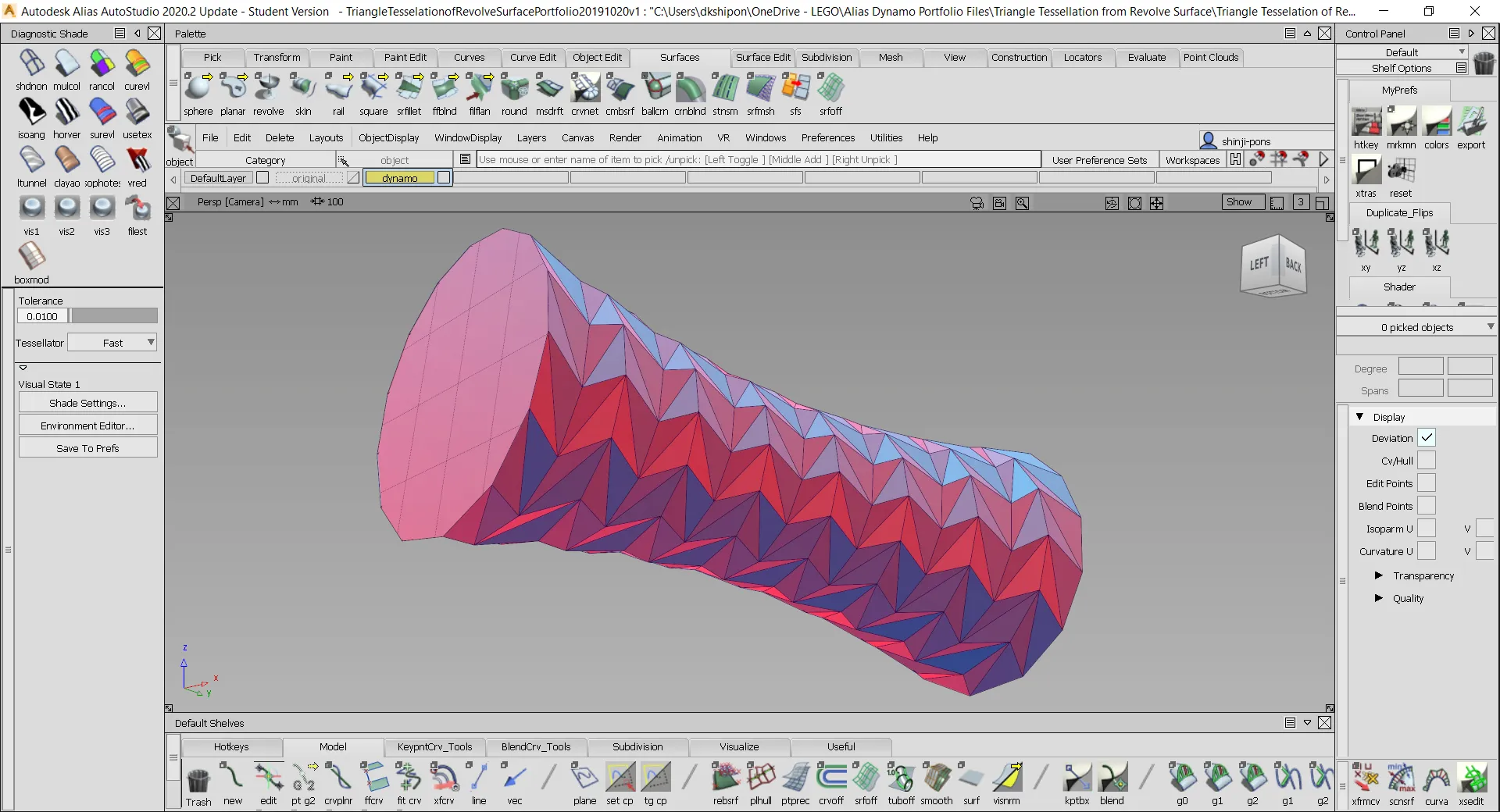
Autodesk Alias is a NURBS modeler for high-quality, manufacturable surfaces. Wholesale changes to complex designs like grilles and patterns are slow and tedious in it. Dynamo brings parametric design to Alias to fill that gap.
The problem
In Alias, changes that should be automated are done by hand, and exploring options on a complex design can take days. Designers lose time to repetitive work and models end up inconsistent. An algorithm that places the geometry beats hundreds of manual edits.
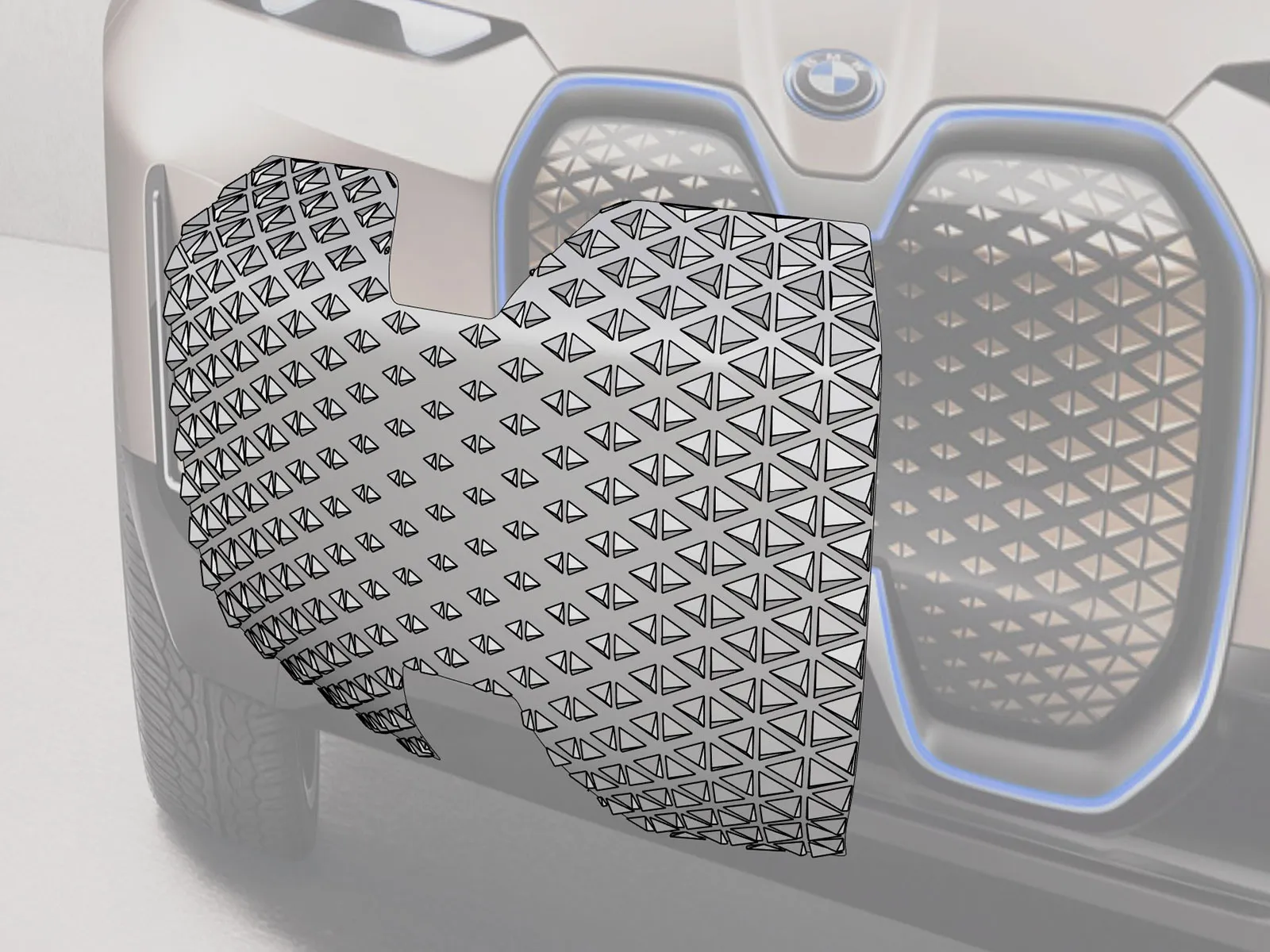

The standard tool for this is Grasshopper, which runs in Rhino. Every iteration is exported from Alias and back, and returns tessellated, with poor surface quality.
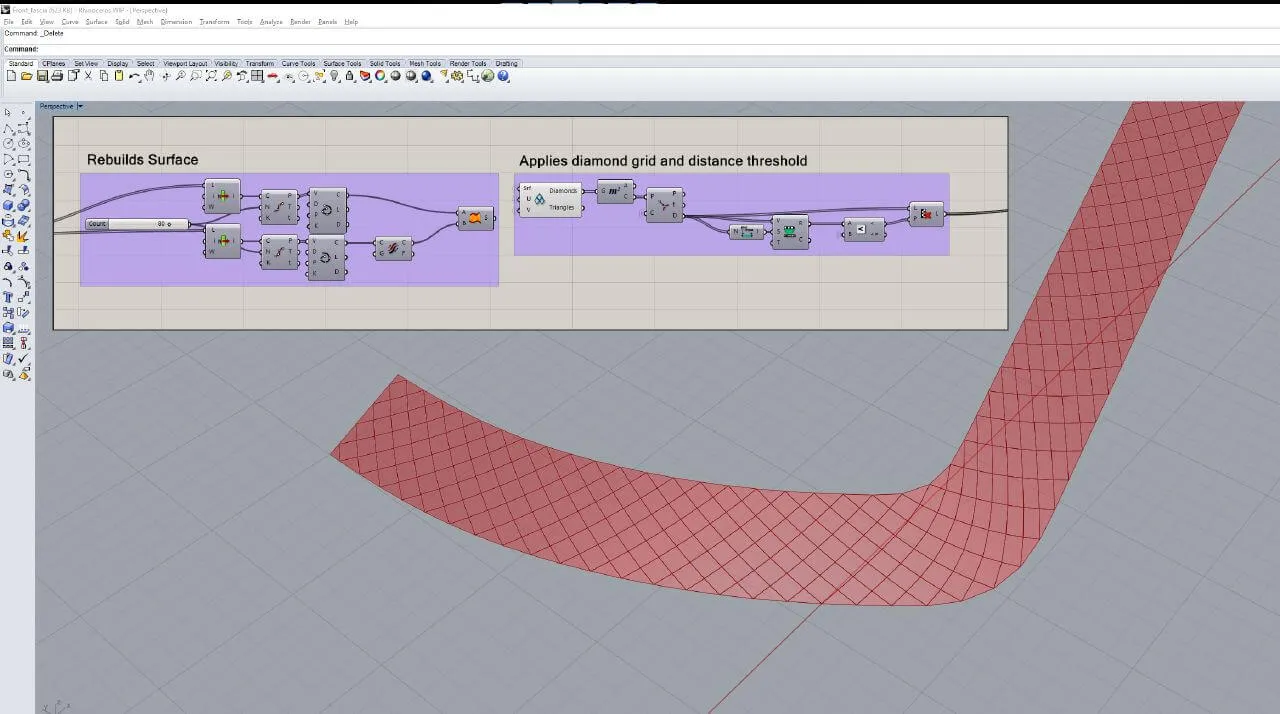
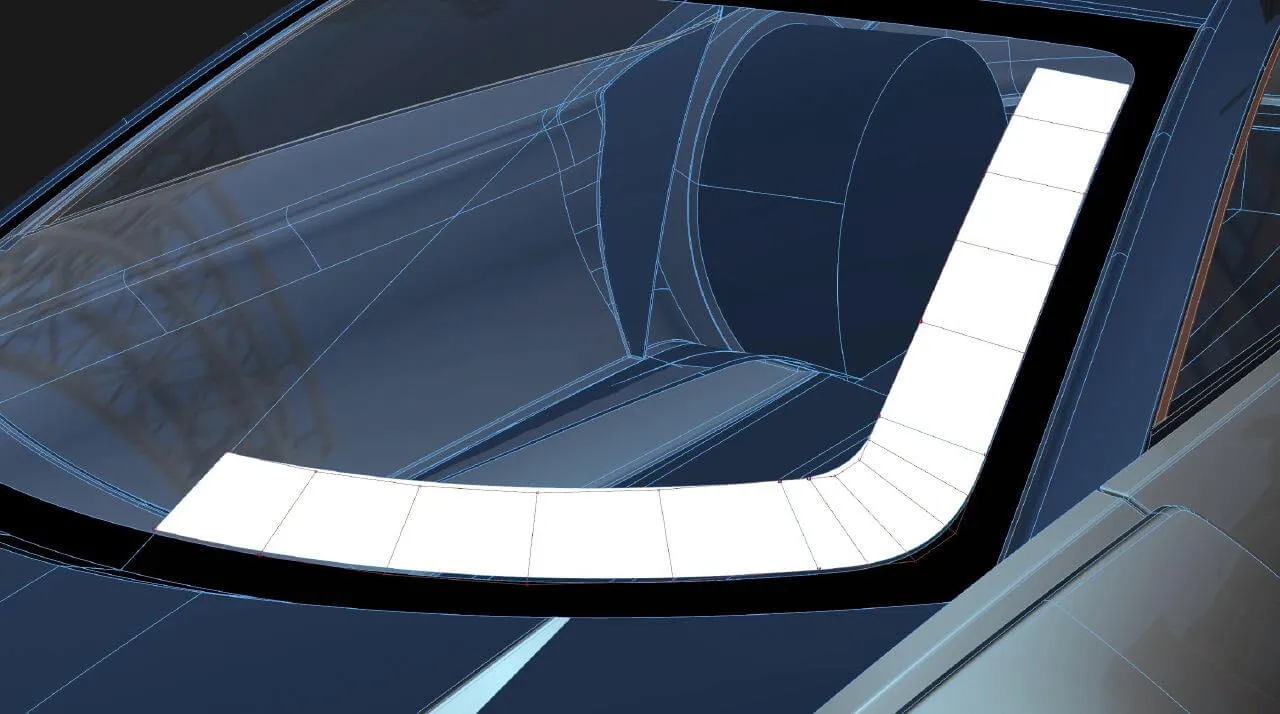
“When going to an outside tool, you have to drop out of designing.”
— Apple, Industrial Design Group
The process
My role
I was the sole UX designer, responsible for making Dynamo feel native to Alias.
Researching Dynamo
I researched how Dynamo, an open-source visual programming tool built for architecture, fit automotive design.
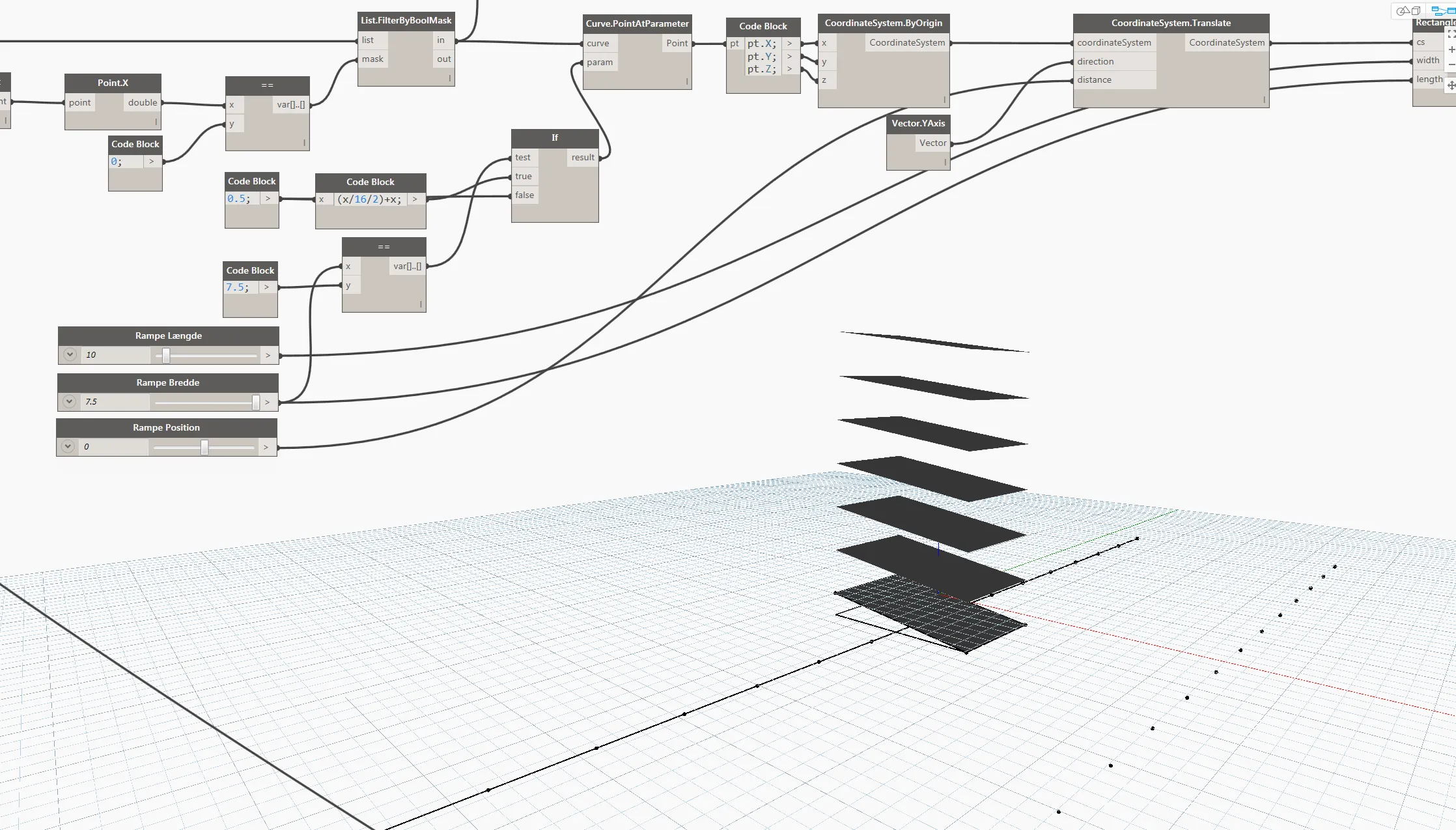
Its kernel is built for solid modeling, not freeform surfacing. Nodes had to be adapted for Alias data, and the vocabulary differed:
- Skin in Alias became Loft in Dynamo
- Polysurface objects didn’t exist in Alias
- Offsetting surfaces and curves gave very different results
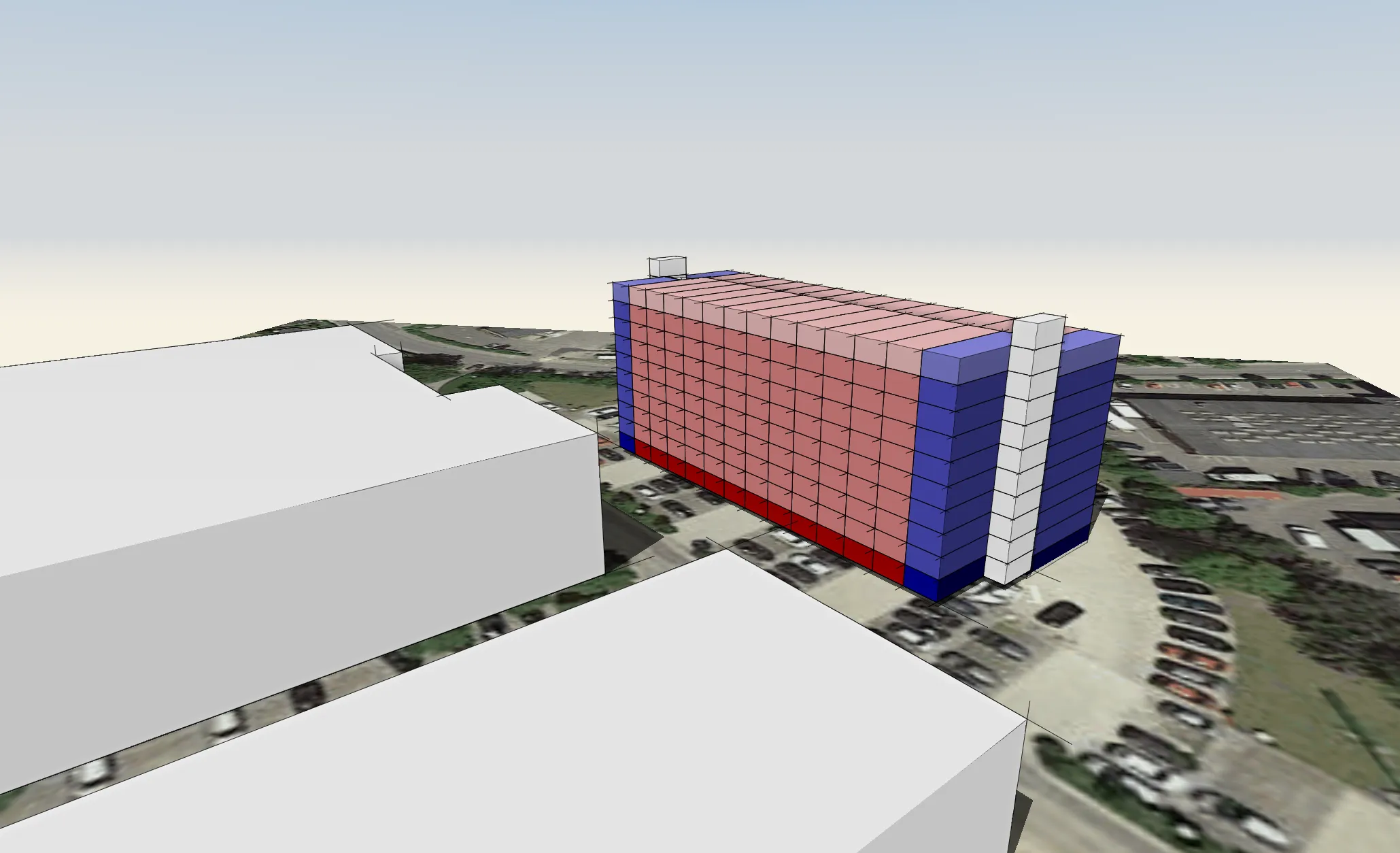
Interoperability
I stress-tested the integration with typical automotive scenarios.
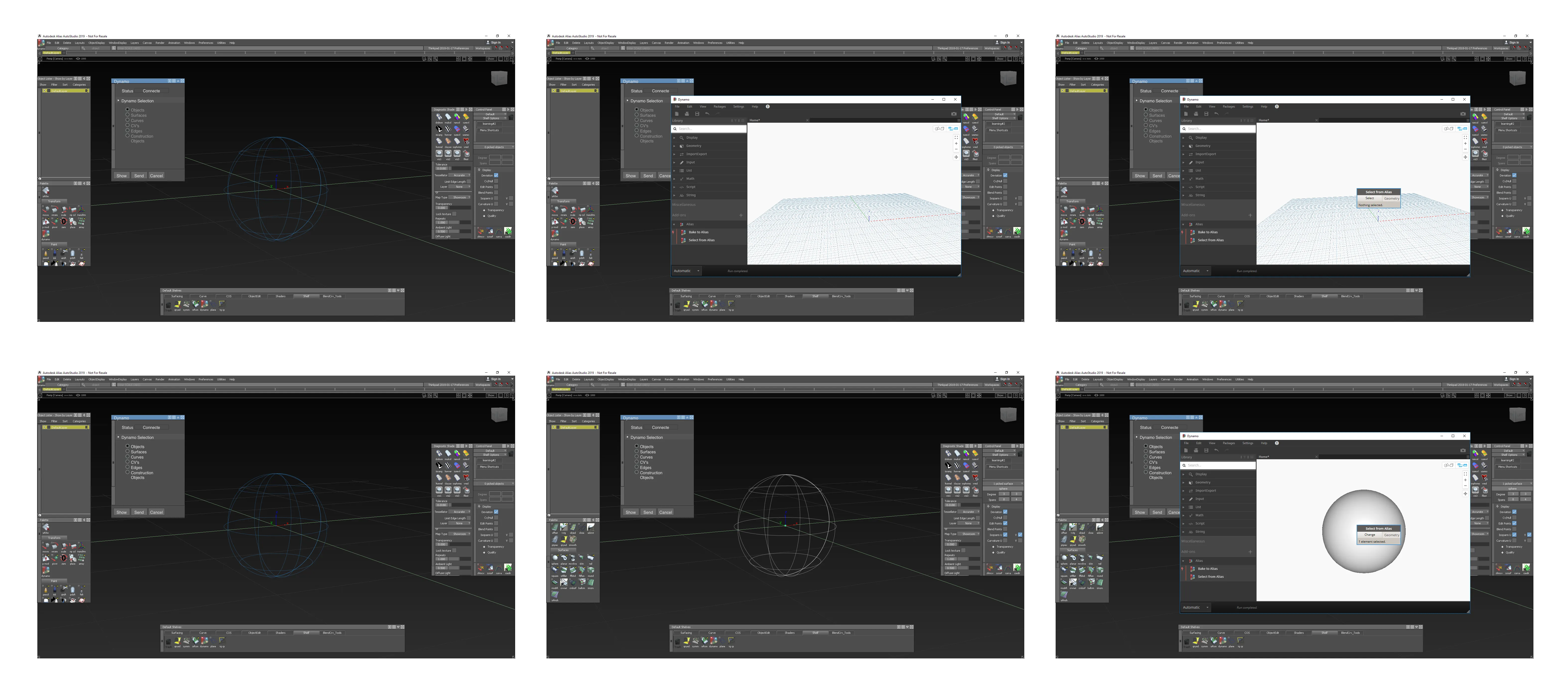
Polluted file structure
Objects sent back to Alias didn’t render properly and filled the file tree with empty nodes.
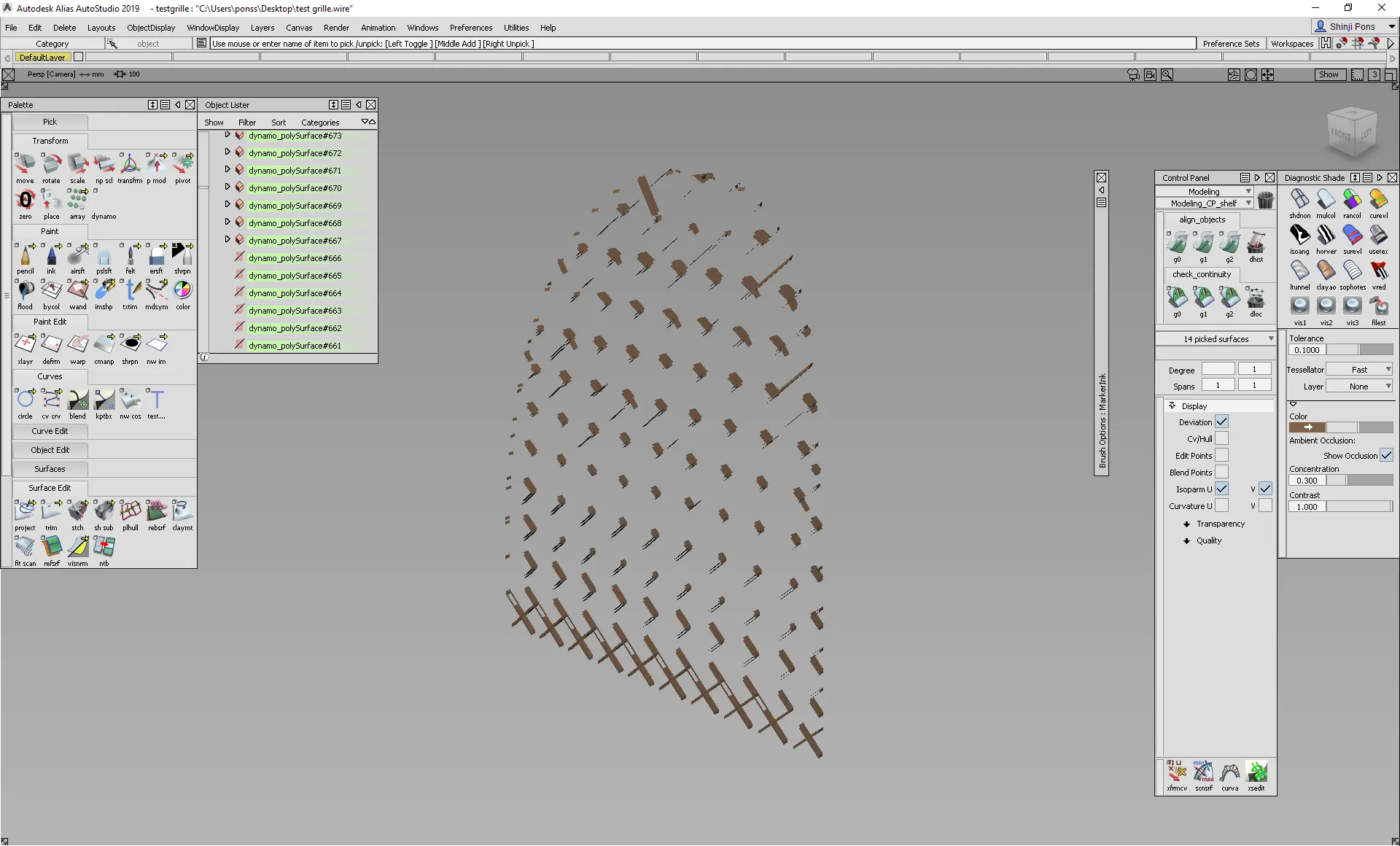
Heavy geometry
Dynamo’s surfaces were much heavier than manual ones, a problem for engineers downstream.
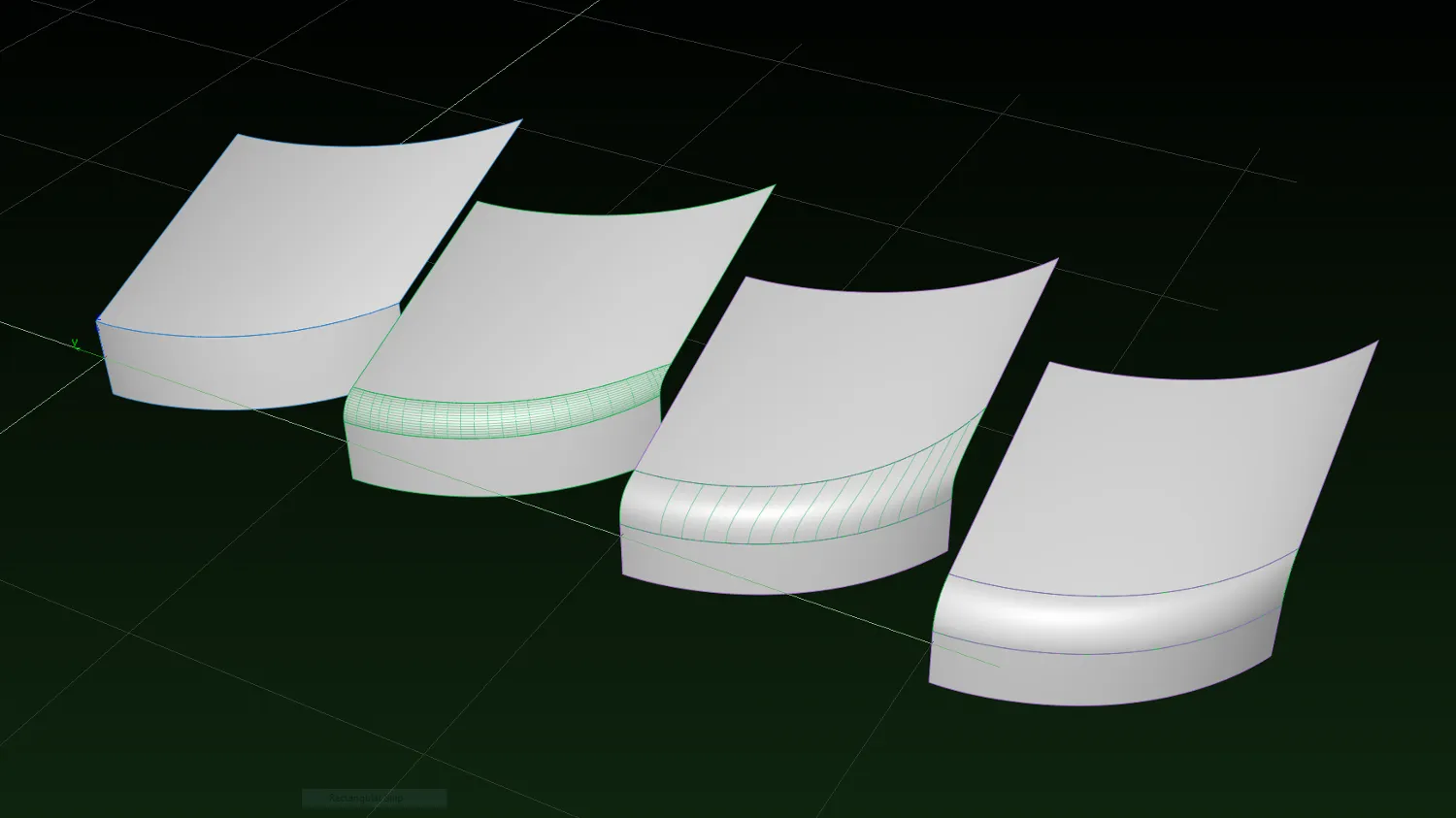
Missing Alias tools
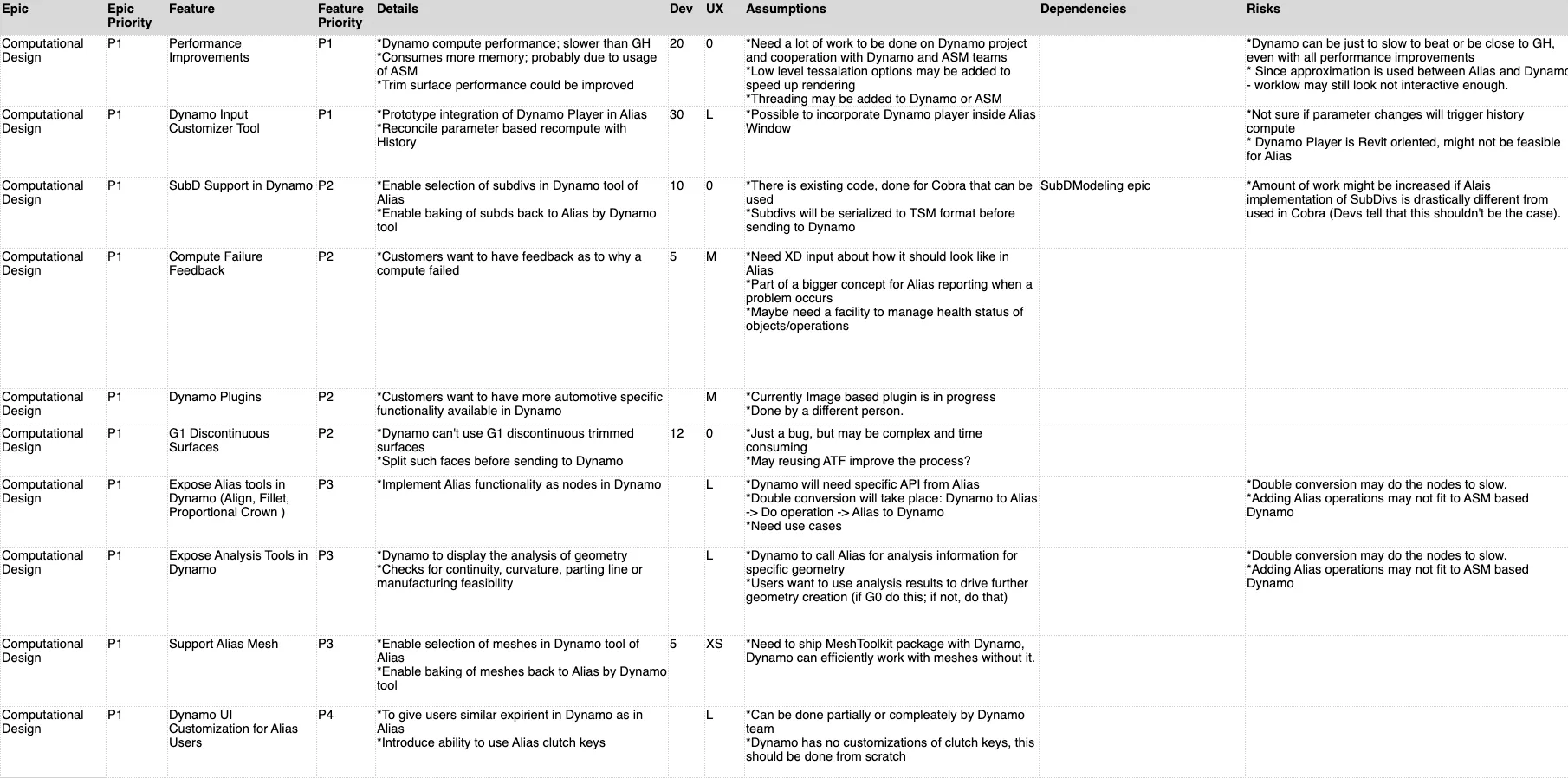
My findings shaped an updated roadmap to fill the gaps.
Learning material
“You need more automotive templates to help us get started.”
— Renault
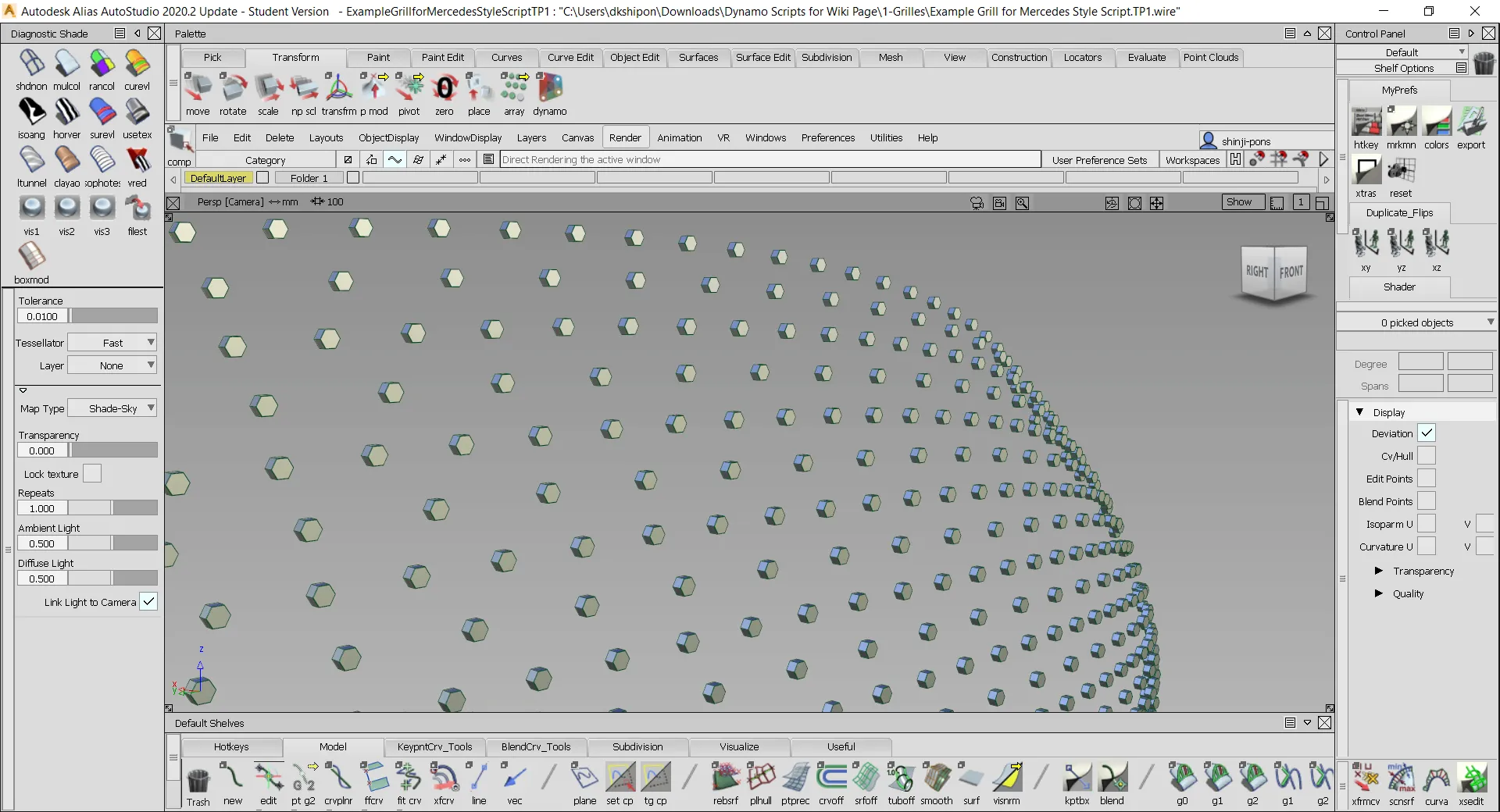
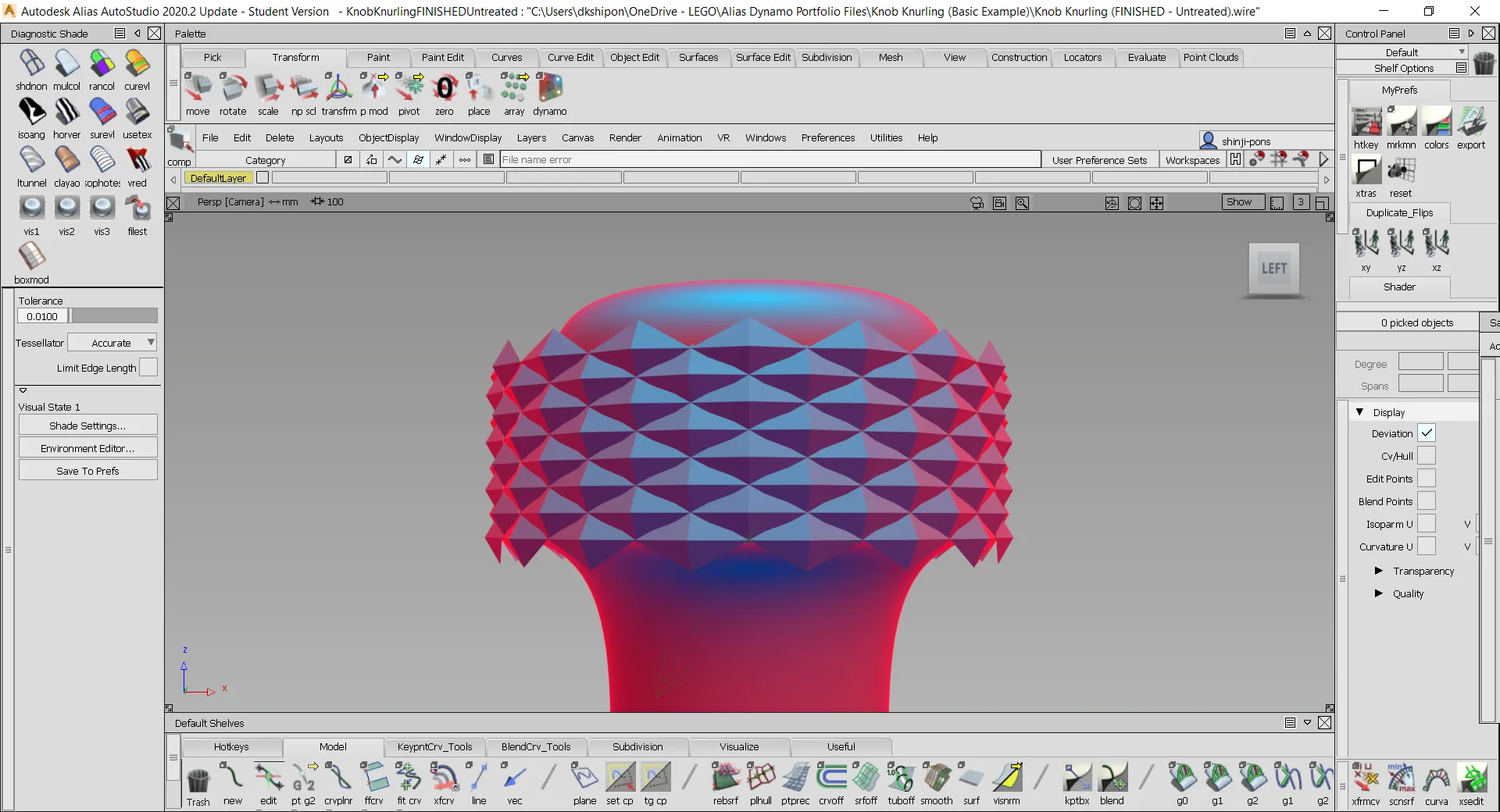
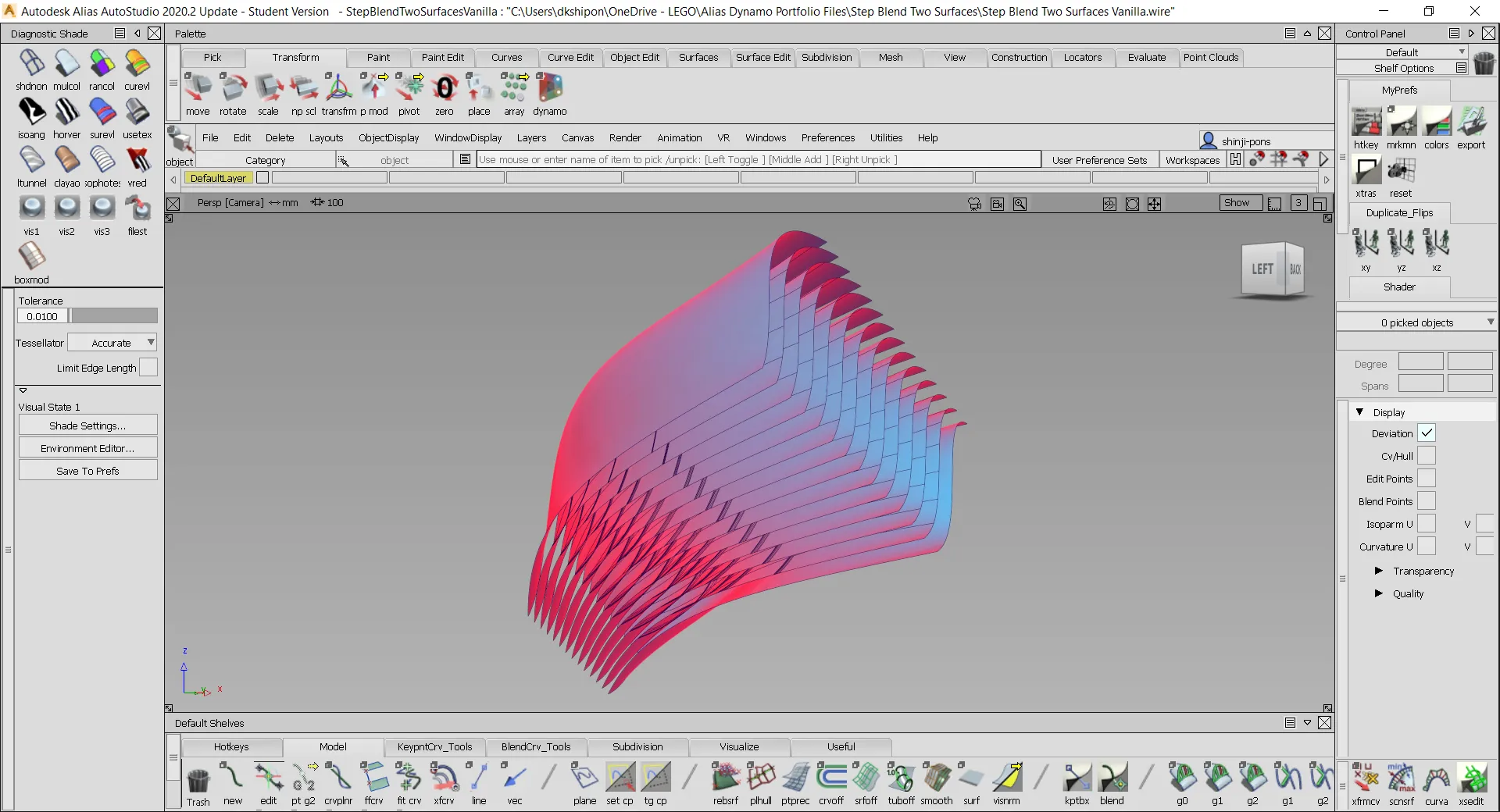
Missing learning material was a main hurdle, and few Dynamo experts know automotive design. So I made my own sample files and tutorials.
A simpler interface
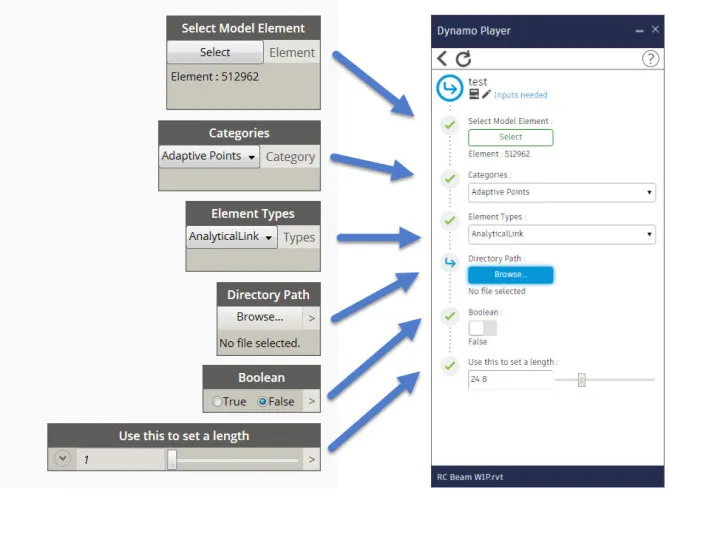
Flagged inputs and outputs turned a script into a packaged interface anyone could use without opening Dynamo.
Autodesk also built a plugin for image-based pattern generation.
The results
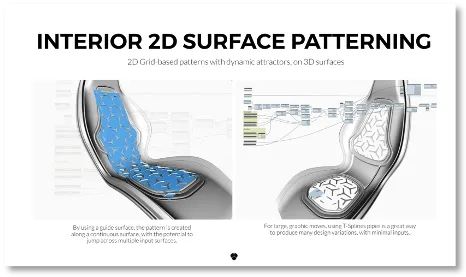
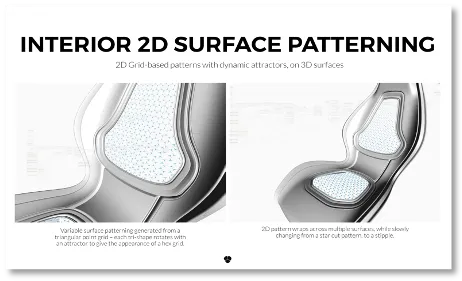
Modelab sample files
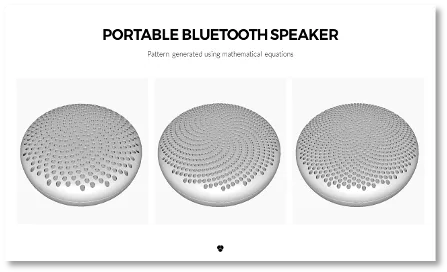
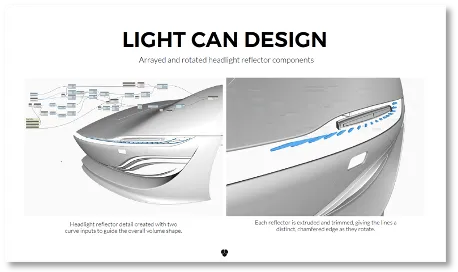
My sample files led Autodesk to commission Modelab for more developed examples shipped with the installer. I helped them learn Alias to tailor the content to automotive.
YouTube tutorials
The samples showed the value but didn’t teach the basics, so I made a YouTube series for Alias users with no programming background. The first episode starts from zero.
Later episodes cover list manipulation and moving data to and from Alias.
The series got over 17,000 views.
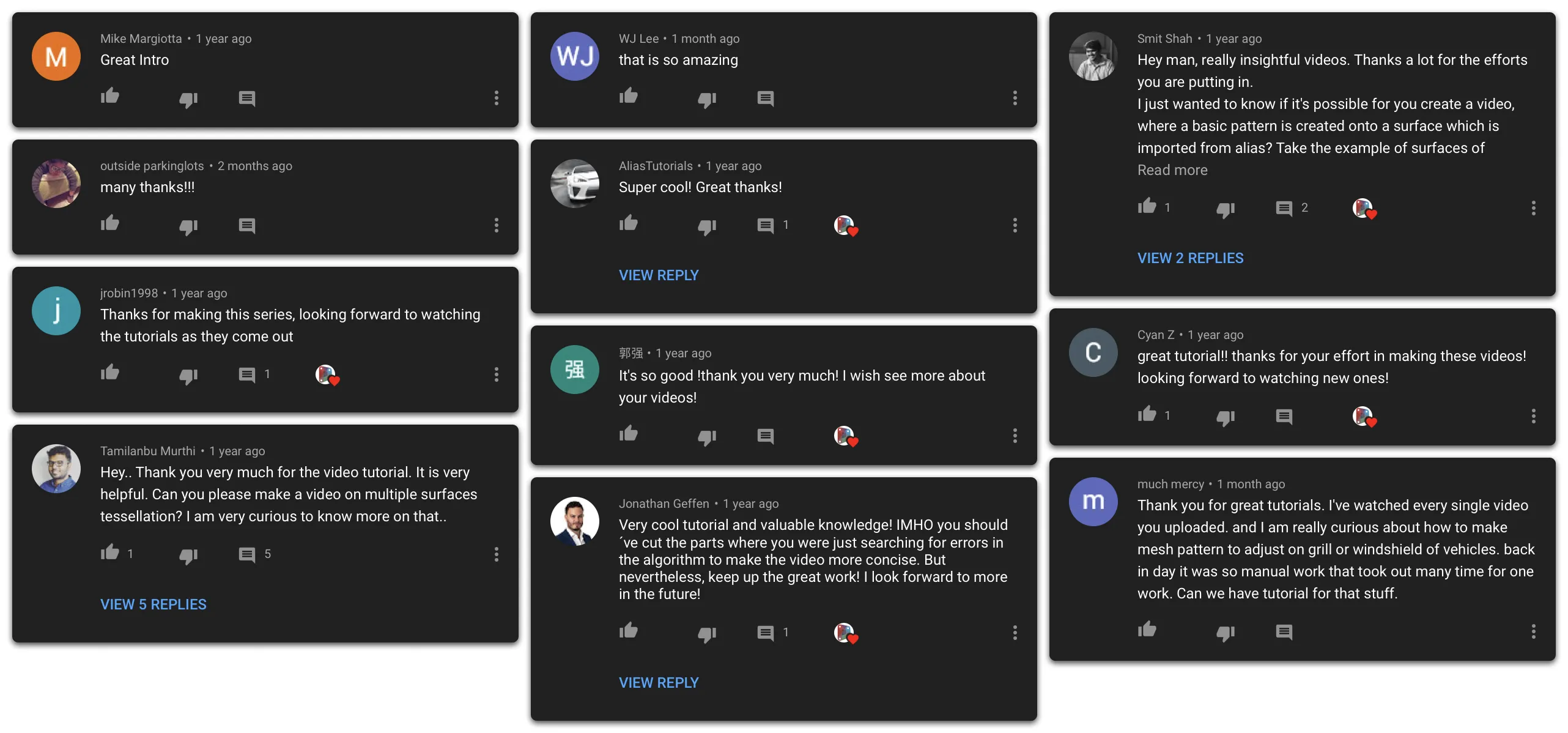
Customer feedback
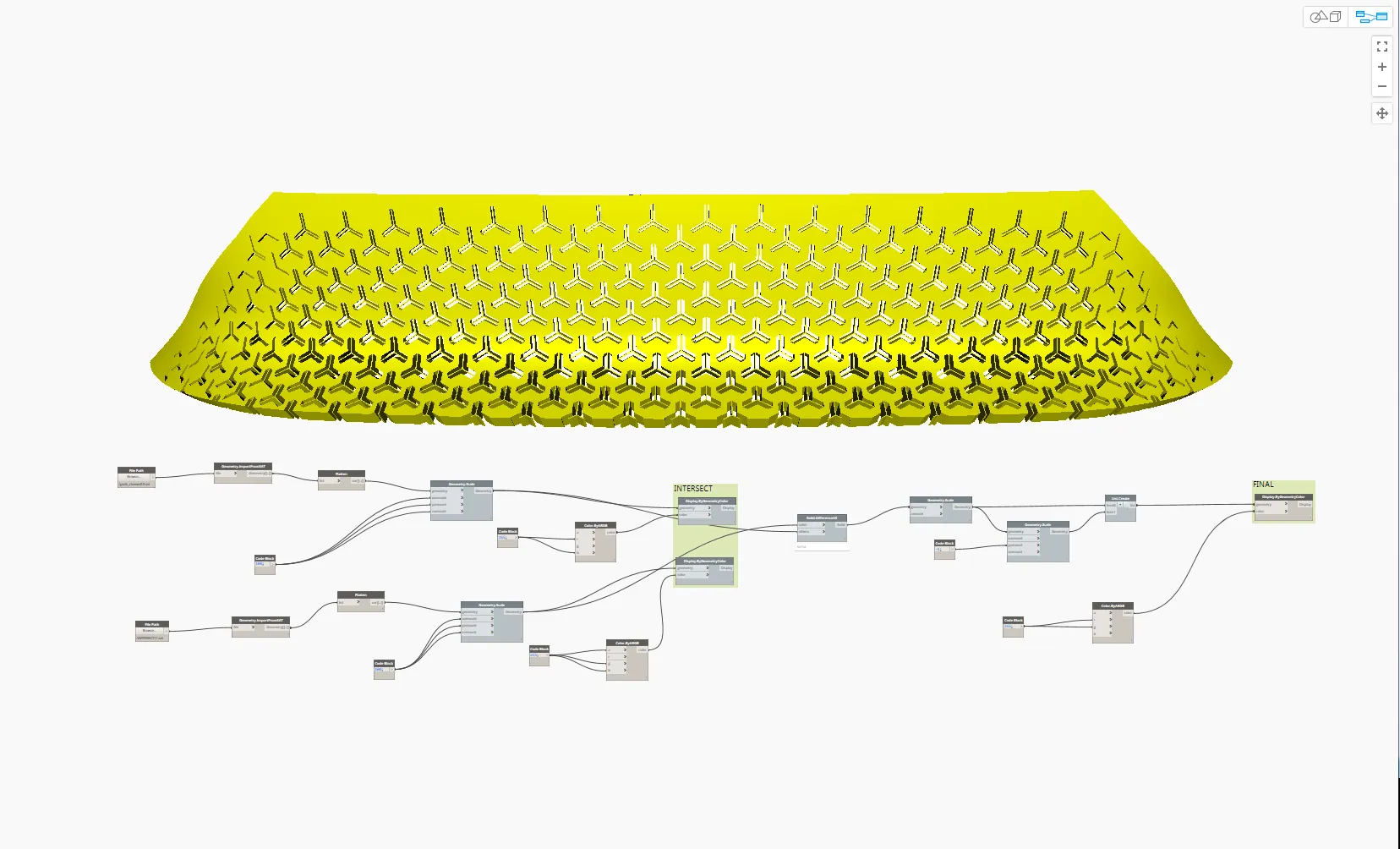
“In the time it would take one modeler to surface 4 grille variations of the 45X in Alias, Dynamo would crank out thirty.”
— Tata Motors UK

“Dynamo for Alias is like science fiction coming to life for the application I use every day.”
— Designer, Facebook
“Dynamo for Alias is of great interest to us.”
— Renault